
Reviews
Your graphics add a nice touch to my presentations and I recently used them for one of my all-hands meetings. Your toolbox adds professionalism to my slides. Instead of using standard clipart.
I needed a fresh look at some of my slides. I've tried to find a way to create a paintbrush effect, to underline, accentuate, add some color and the handwritten markers were just the things. Very easy to use, easy to size, change the color. It was an affordable, perfect solution and I'm happy to recommend it.
The crisp, clean look of the graphics, and the fact that it allowed me to easily edit and change the colors to match the template was my main reason for purchasing them.
Description
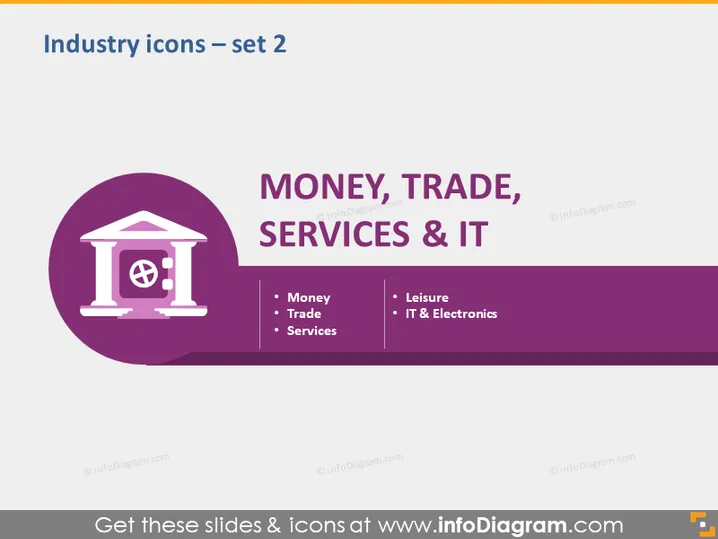
Industry icons – set 2
Slide Content
The slide is titled "Industry icons – set 2" and seems focused on categorizing various industries with accompanying icons. It includes categories such as "Money," "Trade," and "Services" under the large header "MONEY, TRADE, SERVICES & IT," indicating a classification of business sectors. "Money" likely refers to financial services, "Trade" to the exchange of goods, and "Services" to non-tangible value offerings. Additionally, "Leisure" and "IT & Electronics" are mentioned, suggesting a focus on the recreational sector and technology industry respectively.
Graphical Look
- The slide has a clean, modern design with a purple color theme.
- The slide is divided into two primary sections via a horizontal split with a darker purple at the bottom.
- On the left, an icon depicting a classical building with a globe and a clock, suggesting finance or global trade, is within a circle.
- The icon is enveloped in a larger semi-transparent circle of the same color tone.
- The slide title is aligned to the top, set in a sans-serif font type and it is bold.
- The main header, "MONEY, TRADE, SERVICES & IT," is prominently featured in the middle in large, white, capital letters.
- Below the main header, there are three bullet points on the left ("Money," "Trade," "Services") and two on the right ("Leisure," "IT & Electronics"), each with a hyphen as a bullet marker.
- The font for the bullet point text is smaller than the header and is also white, contributing to visual contrast with the purple background.
The slide layout presents information clearly with a bold title and headers, and uses simple graphic elements focused on a consistent icon and color scheme.
Use Cases
- Presenting an overview of business sectors in corporate training sessions.
- Categorizing company divisions in an internal business strategy presentation.
- Int roducing services offered by a firm during a sales or client partnership meeting.
- Using in educational settings to explain different industry sectors to students.
How to Edit
How to edit text & colors

How to expand / shorten diagram

How to Replace Icons in infoDiagram PPT


