
Reviews
Your graphics add a nice touch to my presentations and I recently used them for one of my all-hands meetings. Your toolbox adds professionalism to my slides. Instead of using standard clipart.
I needed a fresh look at some of my slides. I've tried to find a way to create a paintbrush effect, to underline, accentuate, add some color and the handwritten markers were just the things. Very easy to use, easy to size, change the color. It was an affordable, perfect solution and I'm happy to recommend it.
The crisp, clean look of the graphics, and the fact that it allowed me to easily edit and change the colors to match the template was my main reason for purchasing them.
Description
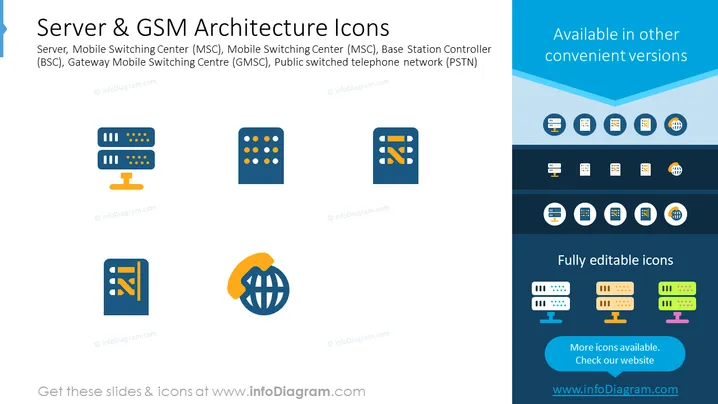
Server & GSM Architecture Icons
Slide Content
The slide displays a set of icons that represent elements of GSM (Global System for Mobile Communications) architecture and server equipment: Server, Mobile Switching Center (MSC), Base Station Controller (BSC), Gateway Mobile Switching Center (GMSC), and the Public Switched Telephone Network (PSTN). Each icon visually encapsulates the function it represents - for example, the MSC icon shows interlinked nodes suggesting network connectivity, and the PSTN icon includes a globe with a handset, indicating global telephone connectivity.
Graphical Look
- The slide has a clean, professional design with a palette of blue, white, and a touch of yellow.
- Four main icons are arranged horizontally across the slide, each depicting different telecommunication components.
- Each icon is in blue and is paired with a small descriptive text underneath.
- To the right of the icons, there is a vertically aligned text box that reads "Available in other convenient versions".
- Below this text box, a series of small icons in various colors is displayed, suggesting alternative versions of the main icons.
- At the bottom right of the slide, there's a call-to-action text "Fully editable icons" followed by a website URL.
- The background is predominantly white with a blue header section that contains the slide title and description.
The slide has a modern technical appearance with flat design icons that are easily recognizable for anyone familiar with telecommunication network components.
Use Cases
- To introduce the technical components of GSM architecture during telecommunications training sessions.
- Within a business proposal or presentation to showcase an understanding of GSM infrastructure.
- In marketing materials for a company that sells or services telecommunication equipment.
- As part of an educational curriculum for students studying network engineering or information technology.
How to Edit
How to edit text & colors

How to expand / shorten diagram

How to Replace Icons in infoDiagram PPT


