
Reviews
Your graphics add a nice touch to my presentations and I recently used them for one of my all-hands meetings. Your toolbox adds professionalism to my slides. Instead of using standard clipart.
I needed a fresh look at some of my slides. I've tried to find a way to create a paintbrush effect, to underline, accentuate, add some color and the handwritten markers were just the things. Very easy to use, easy to size, change the color. It was an affordable, perfect solution and I'm happy to recommend it.
The crisp, clean look of the graphics, and the fact that it allowed me to easily edit and change the colors to match the template was my main reason for purchasing them.
Description
Sensitivity Analysis
Slide Content
Sensitivity Analysis is a technique used to determine how different values of an independent variable will impact a particular dependent variable under a given set of assumptions. It is commonly used in financial modeling to predict different outcomes based on variable changes.
Graphical Look
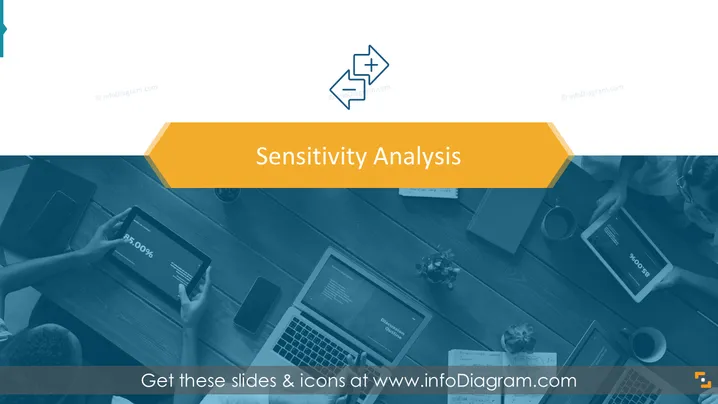
- The overall color scheme is a blend of blue hues with a yellow accent.
- The slide has a title at the top in a bold, large font, contrasting with the background color.
- There is an icon next to the title, depicting two opposing arrows with a plus and a minus sign, symbolizing adjustment or change.
- The background is a photographic image, monotoned to match the color scheme, showing a top-down view of a workspace with multiple people using digital devices such as laptops and tablets.
- The layout is simple, with a strong focus on the title and minimal distractions.
The slide has a professional and clean look, with a color scheme that is easy on the eyes. The icon is an effective representation of the concept of sensitivity analysis.
Use Cases
- Introducing the concept of sensitivity analysis in a business or financial presentation.
- Starting a discussion on risk management and how various factors can impact business decisions.
- Setting the stage before diving into detailed financial models or forecasts that use sensitivity analysis.
- Used as a section header slide within a larger presentation to denote analysis or review of impacts on business outcomes.
How to Edit
How to edit text & colors

How to expand / shorten diagram

How to Replace Icons in infoDiagram PPT


