

Your graphics add a nice touch to my presentations and I recently used them for one of my all-hands meetings. Your toolbox adds professionalism to my slides. Instead of using standard clipart.
Claude Jones, Director of Engineer, @Walmartlabs, USA

Your graphics add a nice touch to my presentations and I recently used them for one of my all-hands meetings. Your toolbox adds professionalism to my slides. Instead of using standard clipart.
Claude Jones, Director of Engineer, @Walmartlabs, USA
I needed a fresh look at some of my slides. I've tried to find a way to create a paintbrush effect, to underline, accentuate, add some color and the handwritten markers were just the things. Very easy to use, easy to size, change the color. It was an affordable, perfect solution and I'm happy to recommend it.
Anonymous, US
The crisp, clean look of the graphics, and the fact that it allowed me to easily edit and change the colors to match the template was my main reason for purchasing them.
Brandie Jenkins, E-learning Developer, USA
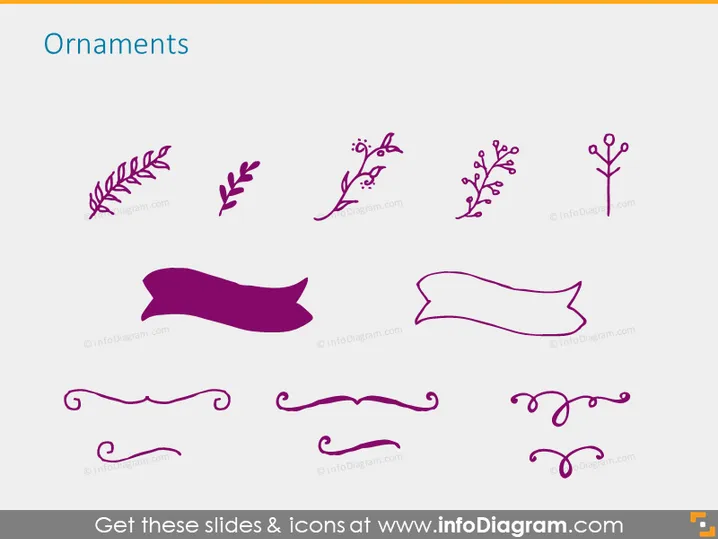
The PowerPoint slide is titled ‘Ornaments’ and displays a variety of decorative graphic elements commonly used in presentation design. These ornaments include different styles of foliage and branches with leaves or berries, along with ribbon banners and elegant text dividers. Each graphic serves as a visual enhancement that can be used to embellish slides or distinguish sections of content in a visually appealing way. They range from simple to more intricate designs, allowing for a broad application across various presentation themes.
The slide presents a clean and organized aesthetic with the graphical elements neatly arranged and spaced. The use of a restricted color palette lends coherence and focus to the decorative elements, which stand out prominently against the white background.



