

Your graphics add a nice touch to my presentations and I recently used them for one of my all-hands meetings. Your toolbox adds professionalism to my slides. Instead of using standard clipart.
Claude Jones, Director of Engineer, @Walmartlabs, USA

Your graphics add a nice touch to my presentations and I recently used them for one of my all-hands meetings. Your toolbox adds professionalism to my slides. Instead of using standard clipart.
Claude Jones, Director of Engineer, @Walmartlabs, USA
I needed a fresh look at some of my slides. I've tried to find a way to create a paintbrush effect, to underline, accentuate, add some color and the handwritten markers were just the things. Very easy to use, easy to size, change the color. It was an affordable, perfect solution and I'm happy to recommend it.
Anonymous, US
The crisp, clean look of the graphics, and the fact that it allowed me to easily edit and change the colors to match the template was my main reason for purchasing them.
Brandie Jenkins, E-learning Developer, USA
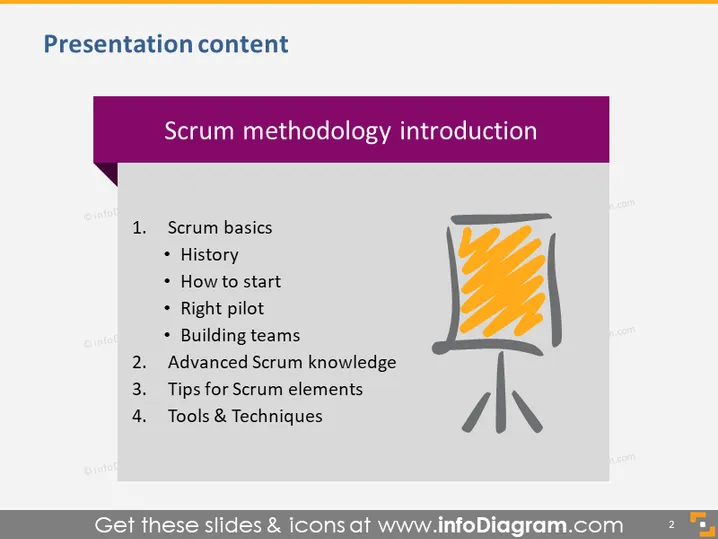
The slide provides an overview of the Scrum methodology, a framework used to manage complex projects. It outlines topics such as "Scrum basics," which cover the history of Scrum, tips for getting started, the importance of choosing the right pilot, and building effective teams. "Advanced Scrum knowledge" likely delves into deeper aspects of the framework. "Tips for Scrum elements" suggests practical advice for implementing Scrum components, and "Tools & Techniques" presumably presents instruments and methods that aid in the application of Scrum principles in project management.
The slide has a clean and organized layout with a color contrast between the purple title bar and the white background. The visual elements like the flip chart icon complement the textual content without overcrowding the slide.



