
Reviews
Vos graphiques ajoutent une belle touche à mes présentations et je les ai récemment utilisés pour l'une de mes réunions générales. Votre boîte à outils ajoute du professionnalisme à mes diapositives. Au lieu d'utiliser des cliparts standards.
J'avais besoin d'un nouveau regard sur certaines de mes diapositives. J'ai essayé de trouver un moyen de créer un effet de pinceau, de souligner, d'accentuer, d'ajouter de la couleur et les marqueurs manuscrits étaient exactement ce qu'il fallait. Très facile à utiliser, facile à ajuster la taille, à changer la couleur. C'était une solution abordable et parfaite et je suis heureux de la recommander.
L'aspect net et épuré des graphiques, et le fait qu'il m'ait permis d'éditer et de changer facilement les couleurs pour les adapter au modèle, ont été les principales raisons de mon achat.
Description
Scrum Meetings – Retrospective
Slide Content
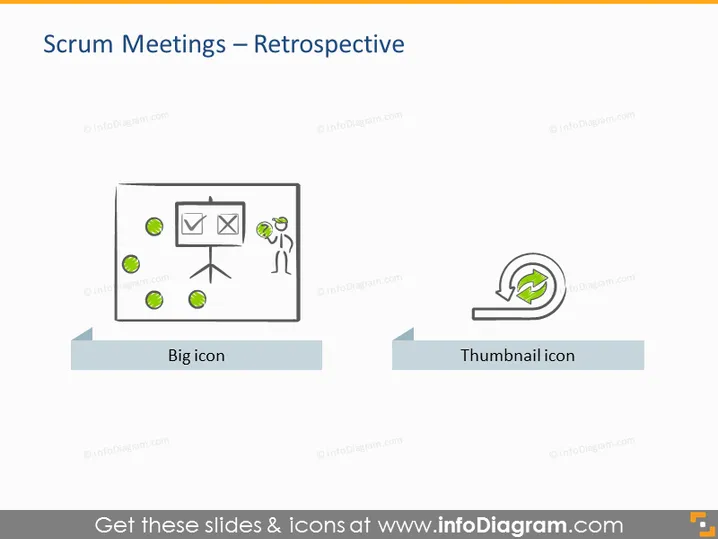
The PowerPoint slide is titled "Scrum Meetings – Retrospective" and presents two main graphical labels - "Big icon" and "Thumbnail icon". The slide focuses on the concept of a retrospective, which is a common agile practice where team members reflect on the past sprint to identify successes and areas for improvement. The "Big icon" typically represents a more detailed or emphasized aspect, whereas the "Thumbnail icon" suggests a smaller, perhaps secondary feature or a quick reference point.
Graphical Look
- Title in a large, bold, sans-serif font, centered at the top of the slide.
- Two graphical elements are represented below the title, aligned horizontally across the middle of the slide on separate gray platforms.
- The left graphic, under the label "Big icon", features an illustration of a person standing next to a flipchart with various marks and a green checkmark; the person appears to be engaging with the content on the board, emphasizing interaction or presentation.
- The right graphic, under the label "Thumbnail icon", shows a circular arrow surrounding a green checkmark, which likely signifies an iterative process or cycle of continuous improvement.
- Each icon is assigned a label in a smaller, bold font, centrally placed directly below the represented icon.
- The background of the slide is plain white, while each icon is placed on a light gray horizontal banner that provides contrast and a sense of grounding for the graphics.
The slide uses a clean and minimalist design with a straightforward layout. The visuals are simple yet purposeful, using symbolic imagery to convey concepts related to scrum and agile methodologies.
Use Cases
- To introduce the topic of scrum retrospectives during an agile training session or workshop.
- In a meeting to propose the implementation of retrospectives as part of the scrum process within a team.
- As a visual aid in a presentation about best practices for conducting effective retrospectives.
- To visually summarize the purpose and benefit of retrospectives to stakeholders or new team members unfamiliar with agile processes.
How to Edit
How to edit text & colors

How to expand / shorten diagram

How to Replace Icons in infoDiagram PPT


