
Reviews
Ihre Grafiken verleihen meinen Präsentationen eine nette Note, und ich habe sie kürzlich für eines meiner All-Hands-Meetings verwendet. Ihre Toolbox verleiht meinen Folien Professionalität, anstatt Standard-Clipart zu verwenden.
Ich brauchte einen neuen Blick auf einige meiner Folien. Ich habe versucht, einen Weg zu finden, einen Pinselschlag-Effekt zu erzielen, um zu unterstreichen, hervorzuheben, Farbe hinzuzufügen, und die handgeschriebenen Markierungen waren genau das Richtige. Sehr einfach zu bedienen, leicht in der Größe zu ändern, die Farbe zu ändern. Es war eine erschwingliche, perfekte Lösung und ich empfehle sie gerne weiter.
Die klare, saubere Optik der Grafiken und die Tatsache, dass ich die Farben leicht bearbeiten und an die Vorlage anpassen konnte, war mein Hauptgrund für den Kauf.
Description
Scrum artefact icons and diagrams
Slide Content
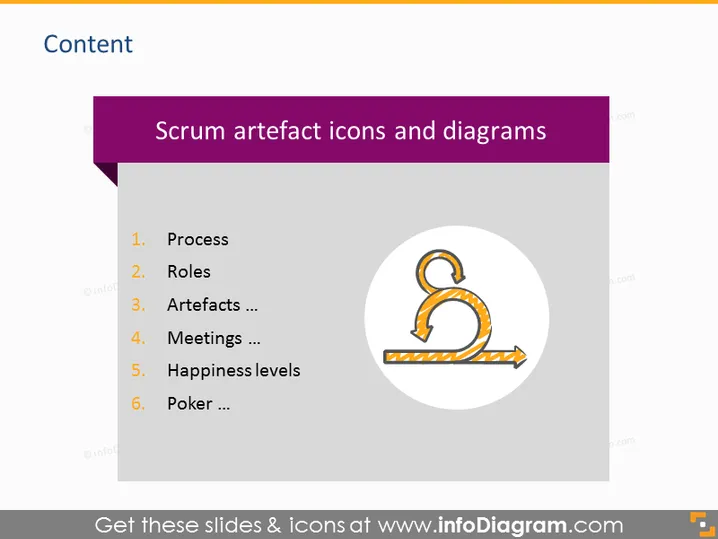
This PowerPoint slide presents Scrum artefacts and related concepts, utilizing a bulleted list format to organize its information. It includes topics like 'Process,' which refers to the steps in Scrum workflow; 'Roles,' detailing positions like Scrum Master and Product Owner; 'Artefacts,' which are items like the Product Backlog; 'Meetings,' encompassing Scrum ceremonies; 'Happiness levels,' possibly discussing team morale; and 'Poker,' likely referring to Planning Poker, a consensus-based estimating technique.
Graphical Look
- The slide has a large, dark purple header with white text for the title.
- A lighter purple vertical band runs down the left side of the slide.
- Six items are listed in a black font against a white background, with a numerical order next to each.
- There is a circular graphic on the right, depicting an orange icon resembling a looped arrow, representing a Scrum process or cycle.
- The background of the slide is white, and the overall layout is clean and minimalist, with lots of space around the elements.
The overall look of the slide is professional and straightforward, with a color scheme that places emphasis on the content. The use of icons provides a visual representation that complements the textual information.
Use Cases
- To introduce the components of Scrum methodology in team training sessions.
- As part of an Agile transformation presentation to stakeholders.
- During sprint planning meetings to remind participants of key Scrum elements.
- In educational settings to teach students about Agile project management practices.
How to Edit
How to edit text & colors

How to expand / shorten diagram

How to Replace Icons in infoDiagram PPT


