

Your graphics add a nice touch to my presentations and I recently used them for one of my all-hands meetings. Your toolbox adds professionalism to my slides. Instead of using standard clipart.
Claude Jones, Director of Engineer, @Walmartlabs, USA

Your graphics add a nice touch to my presentations and I recently used them for one of my all-hands meetings. Your toolbox adds professionalism to my slides. Instead of using standard clipart.
Claude Jones, Director of Engineer, @Walmartlabs, USA
I needed a fresh look at some of my slides. I've tried to find a way to create a paintbrush effect, to underline, accentuate, add some color and the handwritten markers were just the things. Very easy to use, easy to size, change the color. It was an affordable, perfect solution and I'm happy to recommend it.
Anonymous, US
The crisp, clean look of the graphics, and the fact that it allowed me to easily edit and change the colors to match the template was my main reason for purchasing them.
Brandie Jenkins, E-learning Developer, USA
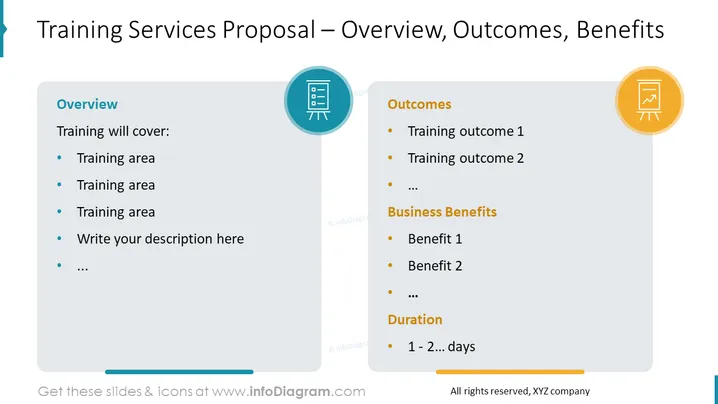
The slide is titled "Training Services Proposal – Overview, Outcomes, Benefits," indicating a structured offering of training services. The "Overview" section lists topics to be covered in the training, encouraging customization with a prompt to "Write your description here." "Outcomes" suggests detailing specific results achievable by the training. The "Business Benefits" portion implies listing advantages the training will provide to the business, while the "Duration" section is for specifying the length of the training, ranging from 1 to several days.
The overall look is modern and business-like, with a balanced use of space and visual elements to separate content areas. Icons are used to visually represent each section, enhancing clarity and engagement.



