

Your graphics add a nice touch to my presentations and I recently used them for one of my all-hands meetings. Your toolbox adds professionalism to my slides. Instead of using standard clipart.
Claude Jones, Director of Engineer, @Walmartlabs, USA

Your graphics add a nice touch to my presentations and I recently used them for one of my all-hands meetings. Your toolbox adds professionalism to my slides. Instead of using standard clipart.
Claude Jones, Director of Engineer, @Walmartlabs, USA
I needed a fresh look at some of my slides. I've tried to find a way to create a paintbrush effect, to underline, accentuate, add some color and the handwritten markers were just the things. Very easy to use, easy to size, change the color. It was an affordable, perfect solution and I'm happy to recommend it.
Anonymous, US
The crisp, clean look of the graphics, and the fact that it allowed me to easily edit and change the colors to match the template was my main reason for purchasing them.
Brandie Jenkins, E-learning Developer, USA
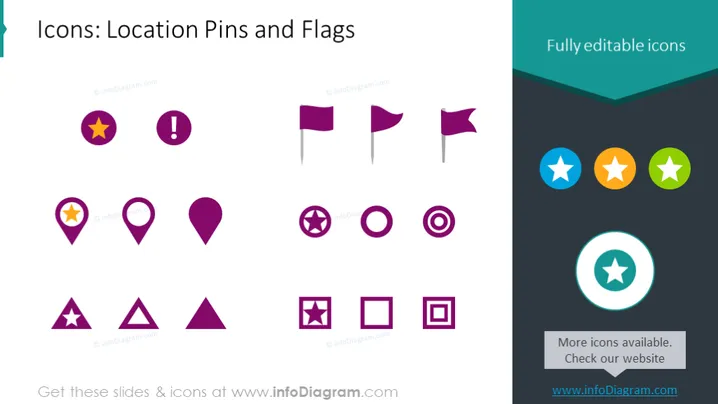
The PowerPoint slide presents a collection of icons related to location pins and flags. These icons feature various shapes and symbols including basic pins, pins adorned with stars or exclamation marks, and different flag designs. Each icon set caters to a specific purpose, like marking important places, indicating warnings, or claiming territories. Triangles with cut-out stars may signify points of interest, and squares with centered circles might represent location targets or focus points. The circular icons with a star could be used to highlight featured or top-rated locations.
The PowerPoint slide utilizes a clean, consistent design aesthetic with a harmonious color scheme. The icons are organized in a way to quickly convey their purpose, visually separated by type and emphasizing editability and customization..



