

Your graphics add a nice touch to my presentations and I recently used them for one of my all-hands meetings. Your toolbox adds professionalism to my slides. Instead of using standard clipart.
Claude Jones, Director of Engineer, @Walmartlabs, USA

Your graphics add a nice touch to my presentations and I recently used them for one of my all-hands meetings. Your toolbox adds professionalism to my slides. Instead of using standard clipart.
Claude Jones, Director of Engineer, @Walmartlabs, USA
I needed a fresh look at some of my slides. I've tried to find a way to create a paintbrush effect, to underline, accentuate, add some color and the handwritten markers were just the things. Very easy to use, easy to size, change the color. It was an affordable, perfect solution and I'm happy to recommend it.
Anonymous, US
The crisp, clean look of the graphics, and the fact that it allowed me to easily edit and change the colors to match the template was my main reason for purchasing them.
Brandie Jenkins, E-learning Developer, USA
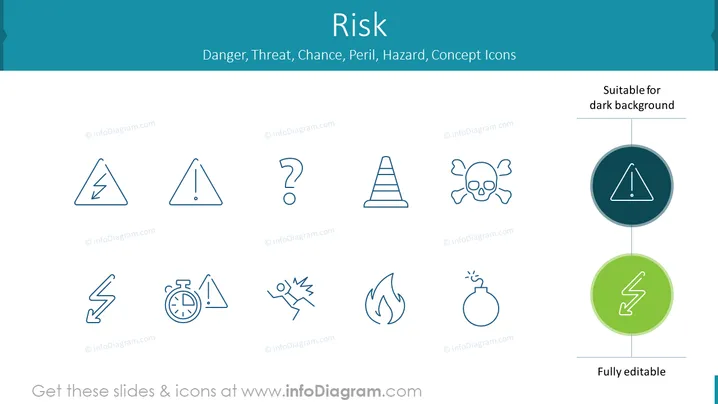
The PowerPoint slide is titled "Risk" and showcases a collection of concept icons that relate to danger, threat, chance, peril, and hazard. These symbols include a lightning bolt for shock or electrical risk; a warning sign suggesting general caution; a question mark for uncertainty; a hazardous cone for physical obstacles or construction warnings; and a skull and crossbones representing lethal dangers or toxicity. Additionally, there are icons depicting a broken line (potential failure or disruption), a timer (time-bound risks), a person slipping (slippery surface warning), a flame for fire hazard, a bomb for explosive or sudden risks, and two colored icons within circles indicating that these particular symbols are suitable for dark backgrounds. Each symbol conveys a specific type of risk clearly and concisely for easy communication in presentations.
The slide has a clean and professional design with icons that effectively convey different aspects of risk through simple graphics. These icons are minimalist and universally understandable, which makes the slide visually accessible.



