
Reviews
Sus gráficos añaden un toque agradable a mis presentaciones y recientemente los usé para una de mis reuniones generales. Su conjunto de herramientas añade profesionalismo a mis diapositivas. En lugar de usar imágenes prediseñadas estándar.
Necesitaba un aspecto fresco para algunas de mis diapositivas. Había intentado encontrar una forma de crear un efecto de pincel, de subrayar, acentuar, añadir algo de color y los marcadores escritos a mano fueron justo lo que necesitaba. Muy fácil de usar, fácil de ajustar el tamaño, cambiar el color. Fue una solución asequible y perfecta, y estoy feliz de recomendarla.
El aspecto nítido y limpio de los gráficos, y el hecho de que me permitiera editar y cambiar fácilmente los colores para que coincidieran con la plantilla fue mi principal razón para comprarlos.
Description
Your sample text here
Slide Content
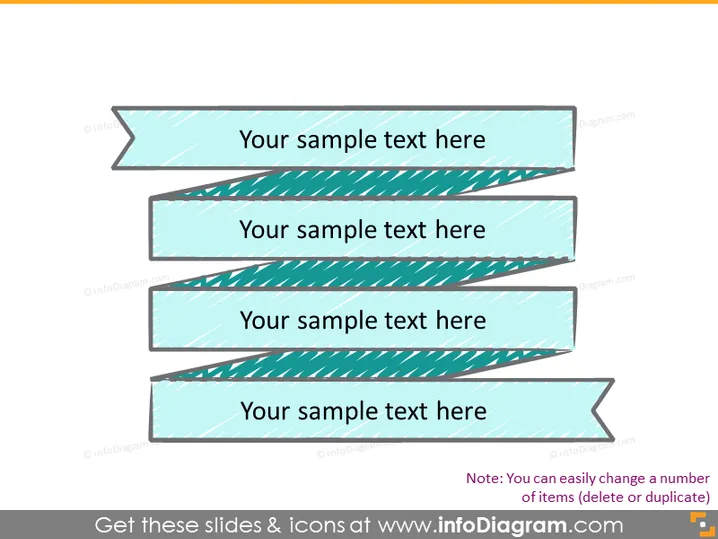
The slide contains four separate text fields indicated by horizontal ribbon banners with a heading "Your sample text here" for each. This format typically signifies steps or options in a process or a list of items, concepts, or categories that are critical components of the slide's topic. The repetitive use of "Your sample text here" suggests placeholder text for customization.
Graphical Look
- The slide has a plain white background.
- Four horizontal ribbon banners stack vertically with a slight right-ward tilt.
- Each banner has a seafoam green to turquoise gradient fill.
- A diagonal striped pattern overlays the gradient on the banners.
- The banners exhibit a shadow effect, giving a sense of depth or layering.
- The text on the banners is in bold, black font and is centered.
The overall look is clean and modern with a graphic emphasis on the banners. The use of gradient and shadow gives a three-dimensional appearance to the otherwise flat graphics.
Use Cases
- Outlining sequential steps in a business process or workflow.
- Presenting a list of services or product features in a marketing presentation.
- Enumerating key points or strategic priorities in a business meeting.
- Highlighting different phases or milestones of a project plan.
How to Edit
How to edit text & colors

How to expand / shorten diagram

How to Replace Icons in infoDiagram PPT


