
Your graphics add a nice touch to my presentations and I recently used them for one of my all-hands meetings. Your toolbox adds professionalism to my slides. Instead of using standard clipart.
Claude Jones, Director of Engineer, @Walmartlabs, USA
Your graphics add a nice touch to my presentations and I recently used them for one of my all-hands meetings. Your toolbox adds professionalism to my slides. Instead of using standard clipart.
Claude Jones, Director of Engineer, @Walmartlabs, USA
I needed a fresh look at some of my slides. I've tried to find a way to create a paintbrush effect, to underline, accentuate, add some color and the handwritten markers were just the things. Very easy to use, easy to size, change the color. It was an affordable, perfect solution and I'm happy to recommend it.
Anonymous, US
The crisp, clean look of the graphics, and the fact that it allowed me to easily edit and change the colors to match the template was my main reason for purchasing them.
Brandie Jenkins, E-learning Developer, USA
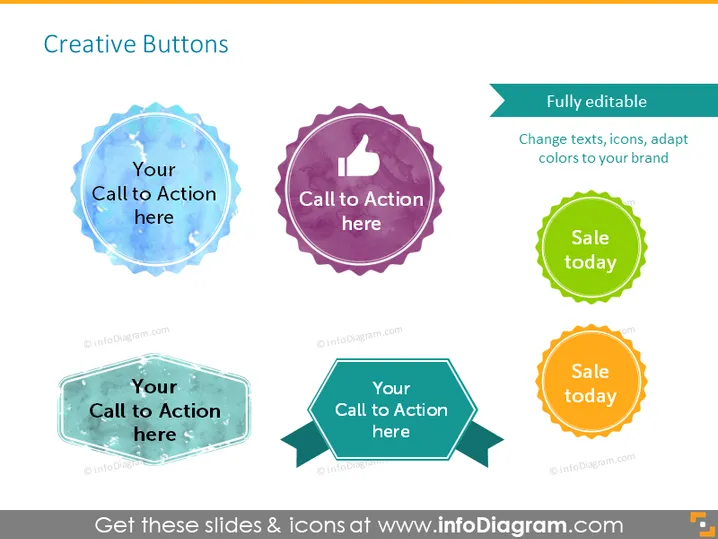
The slide is titled "Creative Buttons" and presents a collection of six button designs. These buttons are not standard flat icons; instead, they boast distinctive watercolor textures and varied shapes, suggesting a more creative and engaging approach to user interface elements. Each button features a call to action phrase, such as "Your Call to Action here" or "Sale today," which exemplifies the intent to prompt an immediate response from the viewer. The array includes a "Fully editable" tag, indicating that text, icons, and colors can be adapted to fit a specific brand.
The overall slide aesthetic is vibrant and colorful, with a creative and informal feel. The varying shapes and textures emphasize the individuality and customizability of the buttons.




