

Your graphics add a nice touch to my presentations and I recently used them for one of my all-hands meetings. Your toolbox adds professionalism to my slides. Instead of using standard clipart.
Claude Jones, Director of Engineer, @Walmartlabs, USA

Your graphics add a nice touch to my presentations and I recently used them for one of my all-hands meetings. Your toolbox adds professionalism to my slides. Instead of using standard clipart.
Claude Jones, Director of Engineer, @Walmartlabs, USA
I needed a fresh look at some of my slides. I've tried to find a way to create a paintbrush effect, to underline, accentuate, add some color and the handwritten markers were just the things. Very easy to use, easy to size, change the color. It was an affordable, perfect solution and I'm happy to recommend it.
Anonymous, US
The crisp, clean look of the graphics, and the fact that it allowed me to easily edit and change the colors to match the template was my main reason for purchasing them.
Brandie Jenkins, E-learning Developer, USA
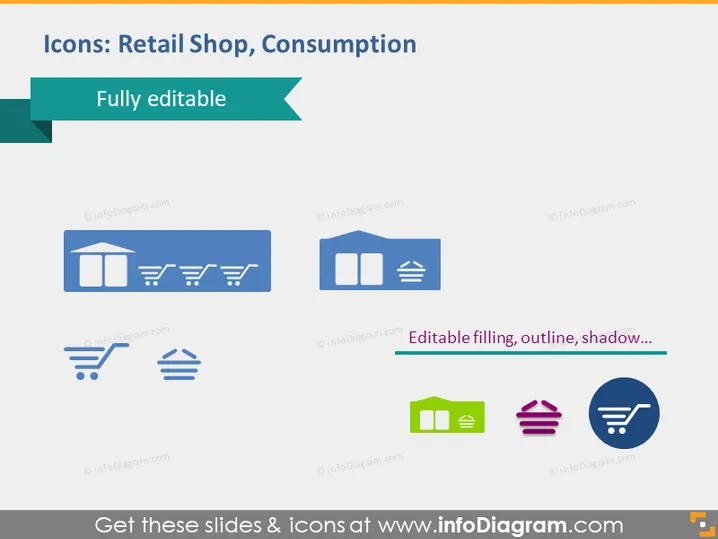
The PowerPoint slide presents a collection of icons related to retail shop and consumption. It emphasizes that these icons are "Fully editable," indicating that one can customize their appearance, such as color fill, outlines, and shadows. There are six icons, each representing a different aspect of retail and consumption: 1) a storefront with an awning implying a physical retail location, 2) shopping carts suggesting shopping options or consumer choices, 3) a building with a flag representing a commercial establishment, 4) a shopping cart with gears symbolizing the mechanics of shopping and purchases, 5) a wallet with cards indicating financial transactions, and 6) a shopping basket to represent the buying process.
The slide has a clean, professional look with a consistent color scheme that is easy on the eyes. The choice of icons and the text clearly communicate that the elements are customizable and relevant to retail and consumer themes.



