

Your graphics add a nice touch to my presentations and I recently used them for one of my all-hands meetings. Your toolbox adds professionalism to my slides. Instead of using standard clipart.
Claude Jones, Director of Engineer, @Walmartlabs, USA

Your graphics add a nice touch to my presentations and I recently used them for one of my all-hands meetings. Your toolbox adds professionalism to my slides. Instead of using standard clipart.
Claude Jones, Director of Engineer, @Walmartlabs, USA
I needed a fresh look at some of my slides. I've tried to find a way to create a paintbrush effect, to underline, accentuate, add some color and the handwritten markers were just the things. Very easy to use, easy to size, change the color. It was an affordable, perfect solution and I'm happy to recommend it.
Anonymous, US
The crisp, clean look of the graphics, and the fact that it allowed me to easily edit and change the colors to match the template was my main reason for purchasing them.
Brandie Jenkins, E-learning Developer, USA
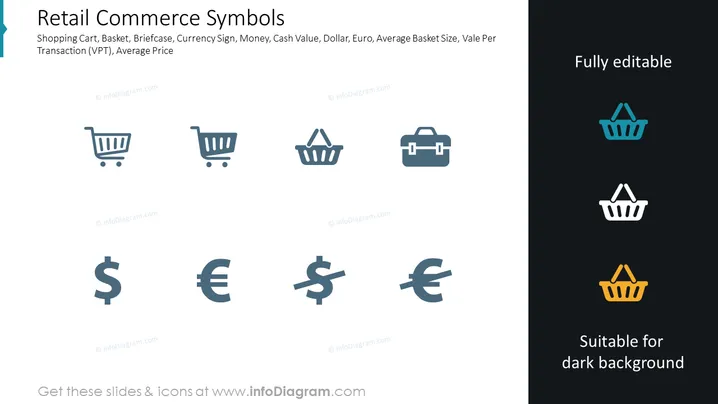
The slide titled "Retail Commerce Symbols" represents common icons related to retail and commerce. These include representations for a Shopping Cart, Basket, and Briefcase, which are typically used to symbolize the shopping process, items selection, and professional transactions, respectively. Currency Sign, Money, Cash Value, Dollar, Euro signify various monetary units and financial concepts, with Dollar and Euro representing specific currencies. Lastly, Average Basket Size and Value Per Transaction (VPT) likely refer to metrics used to measure consumer purchasing behavior and transactional value in a retail context, while Average Price indicates a focus on the pricing aspect.
The slide has a clean, minimalistic design with a clear, structured layout that emphasizes the icons and their corresponding descriptions. The use of color on the right side helps visualize how the icons can adapt to different background colors.



