
Reviews
Your graphics add a nice touch to my presentations and I recently used them for one of my all-hands meetings. Your toolbox adds professionalism to my slides. Instead of using standard clipart.
I needed a fresh look at some of my slides. I've tried to find a way to create a paintbrush effect, to underline, accentuate, add some color and the handwritten markers were just the things. Very easy to use, easy to size, change the color. It was an affordable, perfect solution and I'm happy to recommend it.
The crisp, clean look of the graphics, and the fact that it allowed me to easily edit and change the colors to match the template was my main reason for purchasing them.
Description
Resources symbols
Slide Content
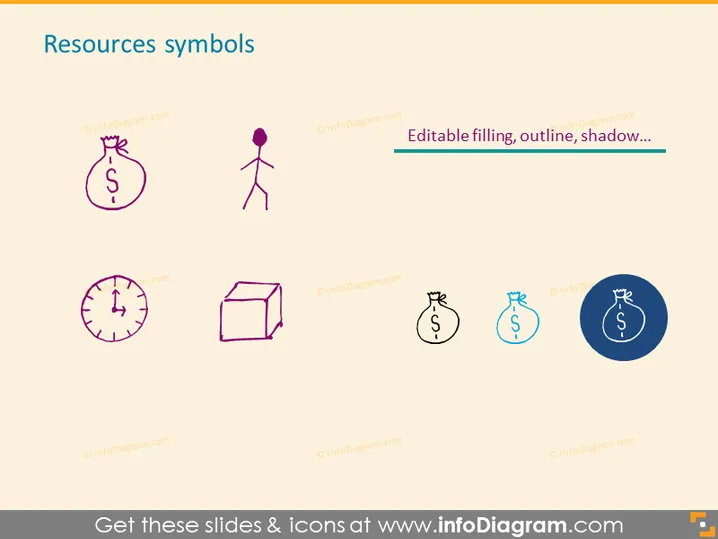
The slide presents a collection of stylized icons, each representing different resources. The icons include a money bag, suggesting financial resources; a figure of a person, indicating human resources; a clock, representing time as a resource; and a three-dimensional box, symbolizing physical or tangible assets. Each icon is labeled as editable, implying that the appearance of these graphics can be customized to fit specific presentation needs.
Graphical Look
- The slide has a clean, minimalistic design with plenty of white space around the objects.
- There are four main icons, each with a distinct representation of a resource.
- The icons are designed with a modern, flat graphic style and contain simple elements making them easily understandable.
- The color palette is muted with purple and blue tones used for icons, providing a professional and cohesive look.
- The icons are arranged in a grid layout with two icons per row, maintaining a balanced visual structure.
- The text "Editable filling, outline, shadow..." is used to indicate the customization options for the icons, placed centrally above the rightmost icons.
The slide's overall appearance is modern and professional, with a straightforward display of pictograms that clearly convey the concept of various resources. The layout is well-organized, promoting easy readability and viewer focus on the key elements.
Use Cases
- To visually represent different types of resources during a business planning or strategy meeting.
- As part of a financial presentation to illustrate the allocation of funds and other assets.
- In human resources training or orientation to highlight the various elements contributing to the workforce.
- Within project management slides to discuss the distribution and management of time, personnel, and materials needed.
How to Edit
How to edit text & colors

How to expand / shorten diagram

How to Replace Icons in infoDiagram PPT


