
Reviews
Sus gráficos añaden un toque agradable a mis presentaciones y recientemente los usé para una de mis reuniones generales. Su conjunto de herramientas añade profesionalismo a mis diapositivas. En lugar de usar imágenes prediseñadas estándar.
Necesitaba un aspecto fresco para algunas de mis diapositivas. Había intentado encontrar una forma de crear un efecto de pincel, de subrayar, acentuar, añadir algo de color y los marcadores escritos a mano fueron justo lo que necesitaba. Muy fácil de usar, fácil de ajustar el tamaño, cambiar el color. Fue una solución asequible y perfecta, y estoy feliz de recomendarla.
El aspecto nítido y limpio de los gráficos, y el hecho de que me permitiera editar y cambiar fácilmente los colores para que coincidieran con la plantilla fue mi principal razón para comprarlos.
Description
Resources symbols
Slide Content
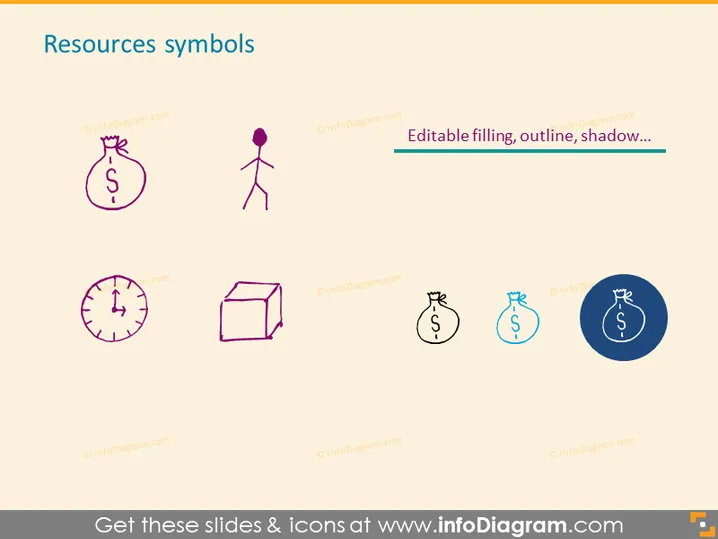
The slide presents a collection of stylized icons, each representing different resources. The icons include a money bag, suggesting financial resources; a figure of a person, indicating human resources; a clock, representing time as a resource; and a three-dimensional box, symbolizing physical or tangible assets. Each icon is labeled as editable, implying that the appearance of these graphics can be customized to fit specific presentation needs.
Graphical Look
- The slide has a clean, minimalistic design with plenty of white space around the objects.
- There are four main icons, each with a distinct representation of a resource.
- The icons are designed with a modern, flat graphic style and contain simple elements making them easily understandable.
- The color palette is muted with purple and blue tones used for icons, providing a professional and cohesive look.
- The icons are arranged in a grid layout with two icons per row, maintaining a balanced visual structure.
- The text "Editable filling, outline, shadow..." is used to indicate the customization options for the icons, placed centrally above the rightmost icons.
The slide's overall appearance is modern and professional, with a straightforward display of pictograms that clearly convey the concept of various resources. The layout is well-organized, promoting easy readability and viewer focus on the key elements.
Use Cases
- To visually represent different types of resources during a business planning or strategy meeting.
- As part of a financial presentation to illustrate the allocation of funds and other assets.
- In human resources training or orientation to highlight the various elements contributing to the workforce.
- Within project management slides to discuss the distribution and management of time, personnel, and materials needed.
How to Edit
How to edit text & colors

How to expand / shorten diagram

How to Replace Icons in infoDiagram PPT


