

Your graphics add a nice touch to my presentations and I recently used them for one of my all-hands meetings. Your toolbox adds professionalism to my slides. Instead of using standard clipart.
Claude Jones, Director of Engineer, @Walmartlabs, USA

Your graphics add a nice touch to my presentations and I recently used them for one of my all-hands meetings. Your toolbox adds professionalism to my slides. Instead of using standard clipart.
Claude Jones, Director of Engineer, @Walmartlabs, USA
I needed a fresh look at some of my slides. I've tried to find a way to create a paintbrush effect, to underline, accentuate, add some color and the handwritten markers were just the things. Very easy to use, easy to size, change the color. It was an affordable, perfect solution and I'm happy to recommend it.
Anonymous, US
The crisp, clean look of the graphics, and the fact that it allowed me to easily edit and change the colors to match the template was my main reason for purchasing them.
Brandie Jenkins, E-learning Developer, USA
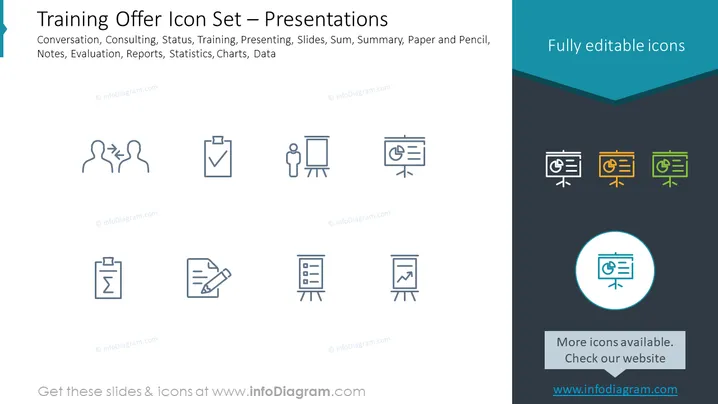
The slide introduces a set of icons related to training and presentations. These icons represent various concepts, such as Conversation - typically symbolizing interaction or dialogue, Consulting - suggesting advice or expertise sharing, Status - indicating progress or condition, Training - denoting instruction or skill development, Presenting - for the act of showing or describing, Slides - representing presentation materials, Sum - signifying a total or aggregate, Summary - encapsulating an overview, Paper and Pencil - signifying note-taking or writing, Evaluation - relating to assessment, Reports - linked to documentation or information sharing, Statistics - denoting data analysis, Charts - for graphical representation, and Data - indicating information or facts.
The visual composition is clean and professional, using simple graphics and limited color to focus on the icons' representation of ideas. The consistent styling and alignment of icons provide a structured and easy-to-understand visual appeal.



