

Your graphics add a nice touch to my presentations and I recently used them for one of my all-hands meetings. Your toolbox adds professionalism to my slides. Instead of using standard clipart.
Claude Jones, Director of Engineer, @Walmartlabs, USA

Your graphics add a nice touch to my presentations and I recently used them for one of my all-hands meetings. Your toolbox adds professionalism to my slides. Instead of using standard clipart.
Claude Jones, Director of Engineer, @Walmartlabs, USA
I needed a fresh look at some of my slides. I've tried to find a way to create a paintbrush effect, to underline, accentuate, add some color and the handwritten markers were just the things. Very easy to use, easy to size, change the color. It was an affordable, perfect solution and I'm happy to recommend it.
Anonymous, US
The crisp, clean look of the graphics, and the fact that it allowed me to easily edit and change the colors to match the template was my main reason for purchasing them.
Brandie Jenkins, E-learning Developer, USA
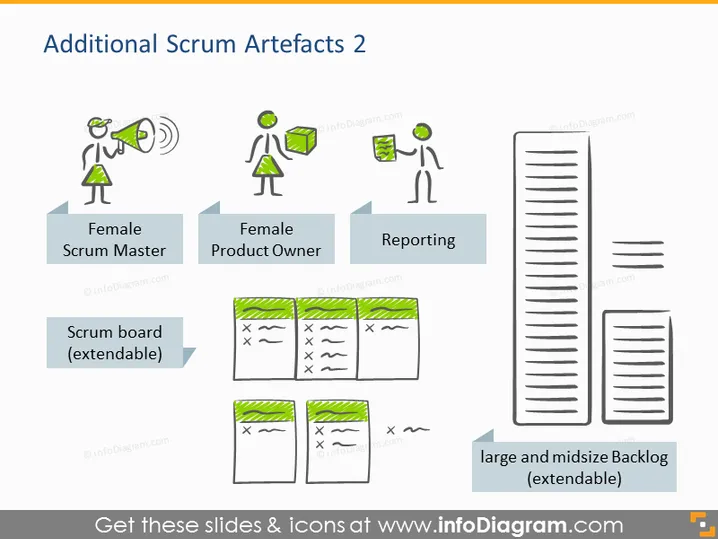
The slide titled "Additional Scrum Artefacts 2" details various elements pertaining to the Scrum agile framework. There are three main concepts presented: Female Scrum Master, Female Product Owner, and Reporting—each corresponds to a role in the Scrum Team or an activity they perform. The slide also features a Scrum board, representing a tool for tracking work progress, and large and midsize Backlog, symbolizing a list of pending tasks that can be extended as needed.
The overall look of the slide is clean and modern, with a clear visual hierarchy that facilitates understanding of the Scrum process roles and artifacts. The use of simple icons and illustrations along with directional arrows creates an intuitive flow that guides the viewer through the content.



