

Your graphics add a nice touch to my presentations and I recently used them for one of my all-hands meetings. Your toolbox adds professionalism to my slides. Instead of using standard clipart.
Claude Jones, Director of Engineer, @Walmartlabs, USA

Your graphics add a nice touch to my presentations and I recently used them for one of my all-hands meetings. Your toolbox adds professionalism to my slides. Instead of using standard clipart.
Claude Jones, Director of Engineer, @Walmartlabs, USA
I needed a fresh look at some of my slides. I've tried to find a way to create a paintbrush effect, to underline, accentuate, add some color and the handwritten markers were just the things. Very easy to use, easy to size, change the color. It was an affordable, perfect solution and I'm happy to recommend it.
Anonymous, US
The crisp, clean look of the graphics, and the fact that it allowed me to easily edit and change the colors to match the template was my main reason for purchasing them.
Brandie Jenkins, E-learning Developer, USA
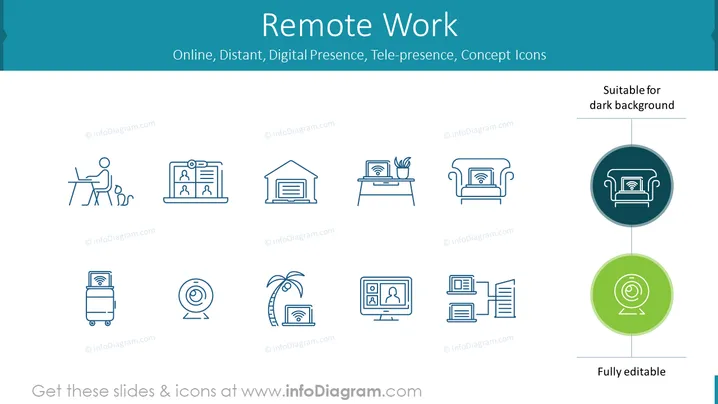
The PowerPoint slide is titled "Remote Work," with a subheading reading "Online, Distant, Digital Presence, Tele-presence, Concept Icons." The slide contains a collection of icons that represent various aspects of remote working. The icon on the far left depicts a person seated at a desk, suggesting a home office setting. Moving right, we see icons representing video conferencing, file storage, a workspace with a plant, comfortable remote work from a couch, connectivity and Wi-Fi, relaxation combined with work depicted by a palm tree and signal, a virtual meeting, and a stack of documents with screens, signifying digital document management. Below the collection, “Fully editable” is mentioned, emphasizing the customization capability of the icons.
The slide has a clean and modern aesthetic, with a minimalist approach using simple iconography and limited color palette. The visual hierarchy is well-defined, with clear separation between the title, icons, and explanatory text.



