
Reviews
Ihre Grafiken verleihen meinen Präsentationen eine nette Note, und ich habe sie kürzlich für eines meiner All-Hands-Meetings verwendet. Ihre Toolbox verleiht meinen Folien Professionalität, anstatt Standard-Clipart zu verwenden.
Ich brauchte einen neuen Blick auf einige meiner Folien. Ich habe versucht, einen Weg zu finden, einen Pinselschlag-Effekt zu erzielen, um zu unterstreichen, hervorzuheben, Farbe hinzuzufügen, und die handgeschriebenen Markierungen waren genau das Richtige. Sehr einfach zu bedienen, leicht in der Größe zu ändern, die Farbe zu ändern. Es war eine erschwingliche, perfekte Lösung und ich empfehle sie gerne weiter.
Die klare, saubere Optik der Grafiken und die Tatsache, dass ich die Farben leicht bearbeiten und an die Vorlage anpassen konnte, war mein Hauptgrund für den Kauf.
Description
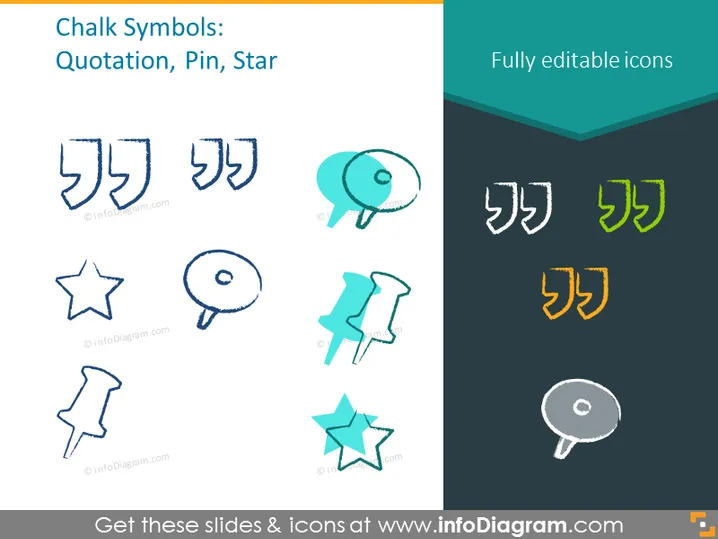
Chalk Symbols: Quotation, Pin, Star
Slide Content
This PowerPoint slide presents a collection of chalk-style icons with the theme "Quotation, Pin, Star." Each icon symbolizes a tool or concept used in communication and organization: Quotation Marks signify spoken or written statements, Pins are for marking important information or locations, and Stars often denote excellence or important points. The slide emphasizes that these icons are fully editable, allowing customization for different presentation needs.
Graphical Look
- Three pairs of quotation marks in different styles and positions, depicted as if drawn with chalk.
- Two round push pins; one is standing upright and the other at an angle, resembling typical board pins but with a sketched chalk appearance.
- Two stars, one with a classic five-point design, the other more stylized, both rendered in a hand-drawn chalk style.
- Additionally, there are three more quotation mark icons with color variation, one in green and two in yellow, towards the right of the slide, contrasting with the primary monochrome icons.
- The icons are laid out against both light and dark panels, demonstrating how they might look against different backgrounds.
- The top of the slide features the title in a bold, capitalized font, and a statement "Fully editable icons" in a corner, suggesting the flexibility of the icon designs.
The slide has a clean and modern design with chalk-like drawings that provide a creative and informal feel. The light and dark backgrounds used for icon placement help to demonstrate visibility on various background colours.
Use Cases
- To emphasize important points or quotes in educational presentations.
- For marking items in a list or agenda in business or team meetings to draw attention.
- Utilizing in creative marketing materials to highlight testimonials or unique selling propositions.
- In planning or strategy sessions, using the pin icons to denote key areas of focus or the stars to mark priorities.
How to Edit
How to edit text & colors

How to expand / shorten diagram

How to Replace Icons in infoDiagram PPT


