
Reviews
Deine Folien sind meine 'geheime Zutat', wenn es darum geht, meine Ideen Kunden zu visualisieren. Ich spare so viel Zeit.
Ihre Folien führen oft zu guten Kommentaren und Ideen meines Teams, die die endgültigen Folien verbessern.
Description
Quarterly Calendars (US Format)
Slide Content
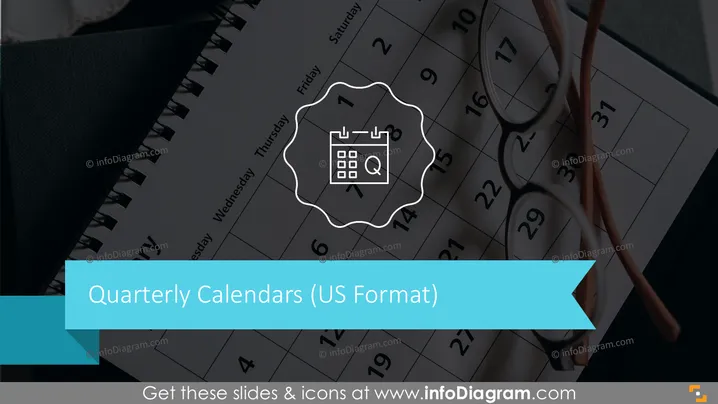
The slide displays information about "Quarterly Calendars (US Format)" which suggests a focus on calendars that are divided into the four quarters of a year as commonly used in the United States. The slide captures the essence of time management and scheduling within a business quarter, emphasizing the use of a calendar as a planning tool.
Graphical Look
- A large, high-quality image of a calendar occupies the majority of the slide background, suggesting that calendars are the central theme.
- Superimposed on the calendar image is a white, outlined, wavy badge shape containing an icon of a calendar with a magnifying glass and the letter "Q," presumably standing for "quarterly."
- The slide title "Quarterly Calendars (US Format)" is prominently displayed in a bold, sans-serif font against a broad teal banner that cuts across the lower third of the slide; the text color contrasts well with the background.
- A pair of eyeglasses rests atop the calendar, adding a touch of realism to the composition and suggesting a detailed examination of scheduling or planning.
The overall look of the slide is sleek and professional with a clear focus on planning and organizing time in a quarterly fashion. The visual design effectively combines realism with graphical elements to convey the topic of time management.
Use Cases
- Presenting quarterly business plans or reports, highlighting key dates and milestones.
- Introducing timeline expectations for projects that are scheduled to be completed within a particular quarter.
- Organizing and sharing the company's financial or sales calendar for the upcoming quarters.
- Demonstrating a company's seasonal strategies or marketing activities planned for each quarter.
How to Edit
How to edit text & colors

How to expand / shorten diagram

How to Replace Icons in infoDiagram PPT


