

Your graphics add a nice touch to my presentations and I recently used them for one of my all-hands meetings. Your toolbox adds professionalism to my slides. Instead of using standard clipart.
Claude Jones, Director of Engineer, @Walmartlabs, USA

Your graphics add a nice touch to my presentations and I recently used them for one of my all-hands meetings. Your toolbox adds professionalism to my slides. Instead of using standard clipart.
Claude Jones, Director of Engineer, @Walmartlabs, USA
I needed a fresh look at some of my slides. I've tried to find a way to create a paintbrush effect, to underline, accentuate, add some color and the handwritten markers were just the things. Very easy to use, easy to size, change the color. It was an affordable, perfect solution and I'm happy to recommend it.
Anonymous, US
The crisp, clean look of the graphics, and the fact that it allowed me to easily edit and change the colors to match the template was my main reason for purchasing them.
Brandie Jenkins, E-learning Developer, USA
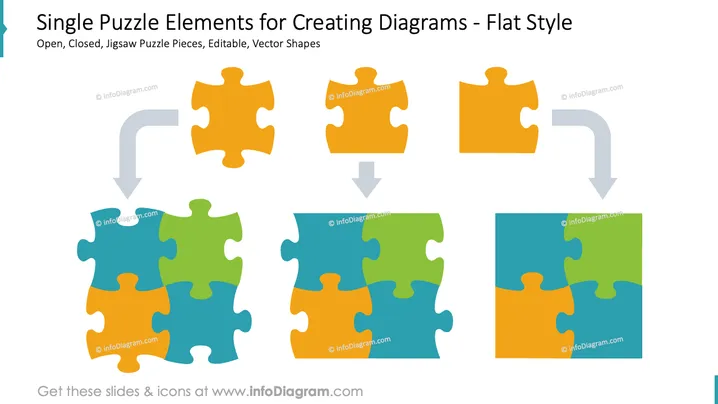
This slide depicts various jigsaw puzzle pieces in a flat design, illustrating open and closed states for creating diagrams. Open pieces stand alone, suggesting an incomplete connection or a part needed to be filled. Closed puzzle pieces are connected to each other, signifying unity or completed sections. These vector shapes allow for customized diagram creation, emphasizing how individual components fit into a larger framework or solve a specific problem.
The slide has a clean and modern appearance, with a clear visual metaphor for connecting ideas or components. The flat design style ensures the focus stays on the puzzle pieces without any distractions.



