
Reviews
Ihre Grafiken verleihen meinen Präsentationen eine nette Note, und ich habe sie kürzlich für eines meiner All-Hands-Meetings verwendet. Ihre Toolbox verleiht meinen Folien Professionalität, anstatt Standard-Clipart zu verwenden.
Ich brauchte einen neuen Blick auf einige meiner Folien. Ich habe versucht, einen Weg zu finden, einen Pinselschlag-Effekt zu erzielen, um zu unterstreichen, hervorzuheben, Farbe hinzuzufügen, und die handgeschriebenen Markierungen waren genau das Richtige. Sehr einfach zu bedienen, leicht in der Größe zu ändern, die Farbe zu ändern. Es war eine erschwingliche, perfekte Lösung und ich empfehle sie gerne weiter.
Die klare, saubere Optik der Grafiken und die Tatsache, dass ich die Farben leicht bearbeiten und an die Vorlage anpassen konnte, war mein Hauptgrund für den Kauf.
Description
Your sample text here
Slide Content
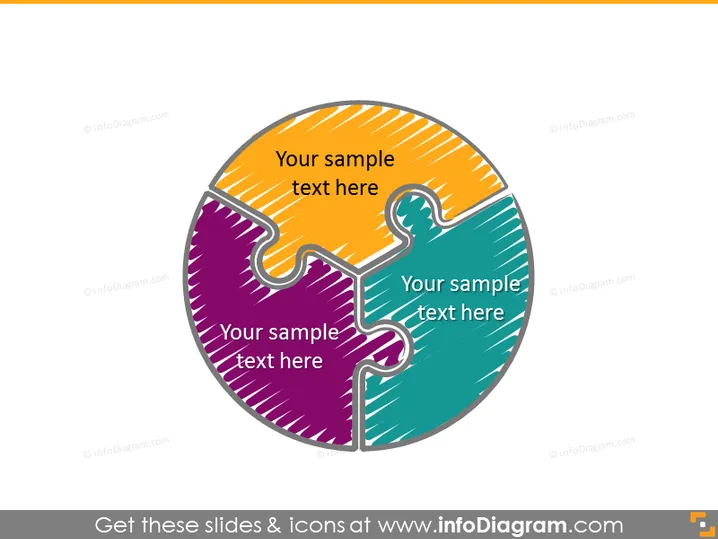
The PowerPoint slide depicts a three-piece circular puzzle with each piece representing a separate concept or area for text entry. Each puzzle piece is distinctly colored, signaling a segmentation of ideas or components that are interconnected to form a complete notion. This visual metaphor reinforces the idea of interconnectedness and synergy among the components.
Graphical Look
- The slide background is plain white, which highlights the central image.
- There is a large circular puzzle graphic centered on the slide.
- The puzzle consists of three interlocking pieces, each with a unique color: orange, purple, and teal.
- Each puzzle piece has a white space for text entry, with the placeholder text "Your sample text here" written in a bold font.
- The puzzle pieces have a thick black outline with shadow effects, giving a 3D appearance.
- There are scribble-like textures inside the puzzle pieces, adding a hand-drawn feel to the design.
The overall look of the slide is clean and professional, with a creative graphic that draws attention to the central concept. The use of colors and shadows creates a visually appealing 3D effect that adds depth to the presentation slide.
Use Cases
- To illustrate the integration of different business departments or functions in a synergistic manner.
- For presenting a three-step process or three key components of a strategy.
- To show the interdependency of various elements in a project or system.
- In educational settings, to describe the components required to understand a concept holistically.
How to Edit
How to edit text & colors

How to expand / shorten diagram

How to Replace Icons in infoDiagram PPT


