

Your graphics add a nice touch to my presentations and I recently used them for one of my all-hands meetings. Your toolbox adds professionalism to my slides. Instead of using standard clipart.
Claude Jones, Director of Engineer, @Walmartlabs, USA

Your graphics add a nice touch to my presentations and I recently used them for one of my all-hands meetings. Your toolbox adds professionalism to my slides. Instead of using standard clipart.
Claude Jones, Director of Engineer, @Walmartlabs, USA
I needed a fresh look at some of my slides. I've tried to find a way to create a paintbrush effect, to underline, accentuate, add some color and the handwritten markers were just the things. Very easy to use, easy to size, change the color. It was an affordable, perfect solution and I'm happy to recommend it.
Anonymous, US
The crisp, clean look of the graphics, and the fact that it allowed me to easily edit and change the colors to match the template was my main reason for purchasing them.
Brandie Jenkins, E-learning Developer, USA
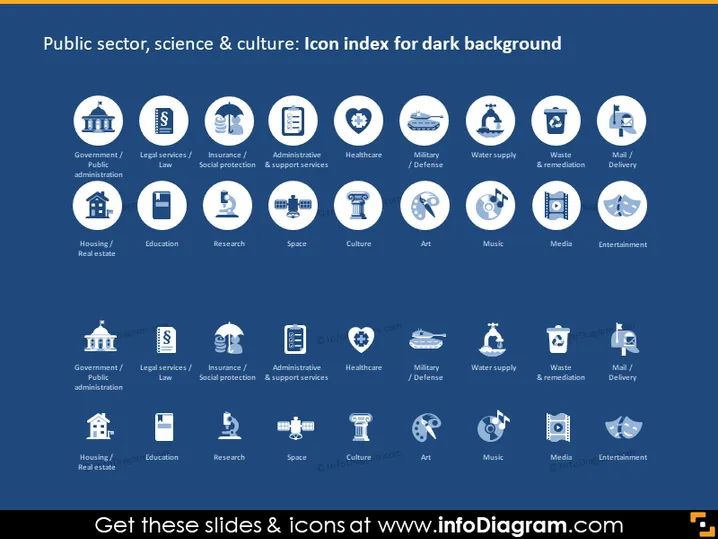
The slide presents a collection of icons representing various sectors within public services, science, and culture specifically designed for use on a dark background. Each sector is depicted through a comprehensible symbol such as a building for "Government/Public administration," scales for "Legal services/Law," a heart for "Healthcare," rockets for "Space," and a movie clapperboard for "Entertainment." These symbols serve to visually summarize the essence of each sector for quick recognition.
The overall look of the slide is clean and modern, with a well-organized layout that allows for quick visual digestion of information. The combination of high contrast and simplified imagery makes the content easily accessible to the audience.



