
Reviews
Your graphics add a nice touch to my presentations and I recently used them for one of my all-hands meetings. Your toolbox adds professionalism to my slides. Instead of using standard clipart.
I needed a fresh look at some of my slides. I've tried to find a way to create a paintbrush effect, to underline, accentuate, add some color and the handwritten markers were just the things. Very easy to use, easy to size, change the color. It was an affordable, perfect solution and I'm happy to recommend it.
The crisp, clean look of the graphics, and the fact that it allowed me to easily edit and change the colors to match the template was my main reason for purchasing them.
Description
Administration
Slide Content
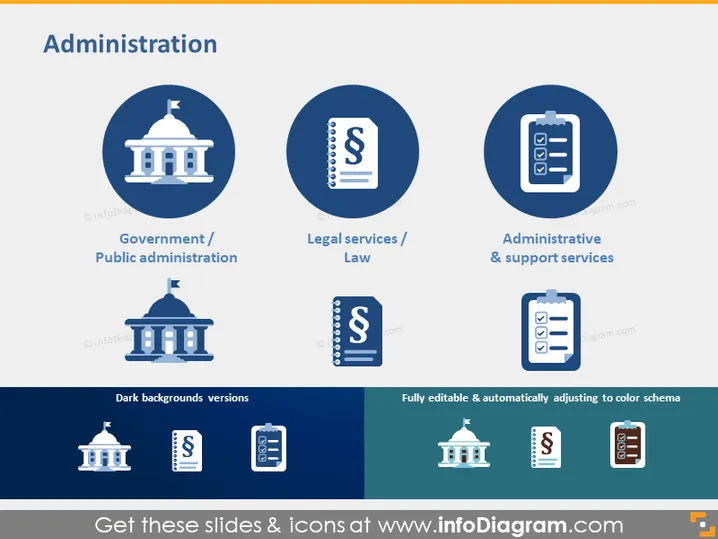
The slide titled "Administration" appears to depict three key aspects of bureaucratic functions. "Government / Public administration" represents the execution of public policies as embodied by a government building icon. "Legal services / Law" suggests services related to the judicial system, signified by a columned document icon, probably symbolizing legislation or legal documents. Lastly, "Administrative & support services" may refer to ancillary services that assist in the day-to-day functioning of organizations, illustrated by a clipboard checklist icon.
Graphical Look
- The slide's background color is a soft, light blue.
- The title "Administration" is prominently centered at the top in larger, bold font.
- Three large circles in a darker blue shade are aligned horizontally across the slide, each containing a white icon and a label beneath them.
- The left circle contains an icon of a government building, followed by the text "Government / Public Administration".
- The middle circle displays an icon resembling a legal document with a "$" symbol, labeled "Legal services / Law".
- The right circle features a clipboard icon with a check mark and is labeled "Administrative & support services".
- Below each large circle with an icon, there is a smaller version shown on what appears to be a dark background, accompanied by descriptive text "Dark backgrounds versions".
- At the bottom right, there is a text box with the phrases "Fully editable & automatically adjusting to color schema".
The slide has a clean and professional layout, with a balanced arrangement of icons and text creating an intuitive visual hierarchy. The use of contrast between light and dark blue creates depth, while the icons effectively communicate different administrative functions.
Use Cases
- To introduce the different sectors or divisions within a governmental or corporate administration during an organizational overview presentation.
- For comparing services offered by different administrative departments in a company during team meetings or training sessions.
- To highlight the scope of services provided by a law firm or legal department to clients or internally, during legal briefings or consultations.
- In educational settings, when teaching courses on public administration, legal systems, or business support services, to visually categorize and explain the distinct functions.
How to Edit
How to edit text & colors

How to expand / shorten diagram

How to Replace Icons in infoDiagram PPT


