

Your graphics add a nice touch to my presentations and I recently used them for one of my all-hands meetings. Your toolbox adds professionalism to my slides. Instead of using standard clipart.
Claude Jones, Director of Engineer, @Walmartlabs, USA

Your graphics add a nice touch to my presentations and I recently used them for one of my all-hands meetings. Your toolbox adds professionalism to my slides. Instead of using standard clipart.
Claude Jones, Director of Engineer, @Walmartlabs, USA
I needed a fresh look at some of my slides. I've tried to find a way to create a paintbrush effect, to underline, accentuate, add some color and the handwritten markers were just the things. Very easy to use, easy to size, change the color. It was an affordable, perfect solution and I'm happy to recommend it.
Anonymous, US
The crisp, clean look of the graphics, and the fact that it allowed me to easily edit and change the colors to match the template was my main reason for purchasing them.
Brandie Jenkins, E-learning Developer, USA
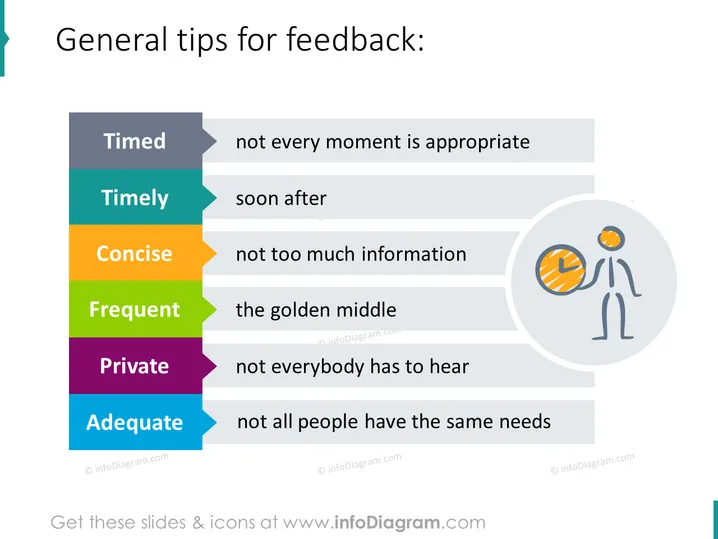
The PowerPoint slide provides guidelines for giving feedback, emphasizing six key concepts: Timed (not every moment is appropriate), Timely (soon after the event), Concise (not too much information), Frequent (the golden middle), Private (not everybody has to hear), and Adequate (not all people have the same needs). Each concept is a building block to promote effective communication, indicating that feedback should be carefully considered, delivered promptly, clear and to the point, given with appropriate frequency, shared discreetly, and tailored to the individual's requirements.
The overall look is clean and modern, utilizing color-coded elements to assist with quick visual association. The use of icons and limited text makes the content easily digestible.



