

Your graphics add a nice touch to my presentations and I recently used them for one of my all-hands meetings. Your toolbox adds professionalism to my slides. Instead of using standard clipart.
Claude Jones, Director of Engineer, @Walmartlabs, USA

Your graphics add a nice touch to my presentations and I recently used them for one of my all-hands meetings. Your toolbox adds professionalism to my slides. Instead of using standard clipart.
Claude Jones, Director of Engineer, @Walmartlabs, USA
I needed a fresh look at some of my slides. I've tried to find a way to create a paintbrush effect, to underline, accentuate, add some color and the handwritten markers were just the things. Very easy to use, easy to size, change the color. It was an affordable, perfect solution and I'm happy to recommend it.
Anonymous, US
The crisp, clean look of the graphics, and the fact that it allowed me to easily edit and change the colors to match the template was my main reason for purchasing them.
Brandie Jenkins, E-learning Developer, USA
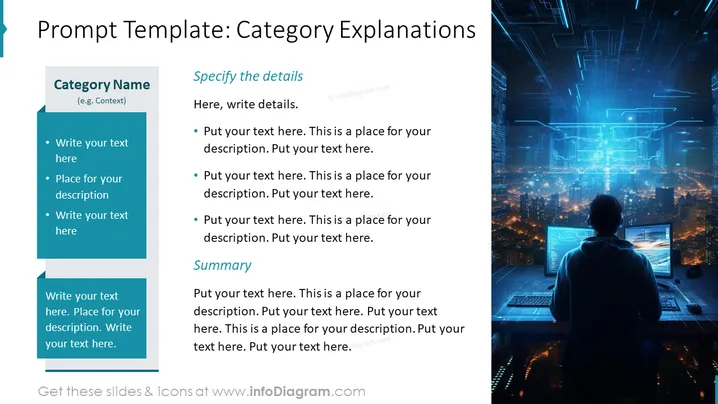
The slide is structured to provide comprehensive explanations on a specific category. With placeholders for a category name and context, the slide enables the presenter to define the topic and drill down into detailed points which can be expanded upon. The left side of the slide is reserved for outlining the main points, while the right side allows for detailed descriptions and a concluding summary to reinforce the key message or takeaways.
The overall look of the slide is sleek and contemporary, with a focus on technology and data visualization. The contrasting text areas and vivid imagery work together to create a balanced and engaging visual experience.



