
Reviews
Sus gráficos añaden un toque agradable a mis presentaciones y recientemente los usé para una de mis reuniones generales. Su conjunto de herramientas añade profesionalismo a mis diapositivas. En lugar de usar imágenes prediseñadas estándar.
Necesitaba un aspecto fresco para algunas de mis diapositivas. Había intentado encontrar una forma de crear un efecto de pincel, de subrayar, acentuar, añadir algo de color y los marcadores escritos a mano fueron justo lo que necesitaba. Muy fácil de usar, fácil de ajustar el tamaño, cambiar el color. Fue una solución asequible y perfecta, y estoy feliz de recomendarla.
El aspecto nítido y limpio de los gráficos, y el hecho de que me permitiera editar y cambiar fácilmente los colores para que coincidieran con la plantilla fue mi principal razón para comprarlos.
Description
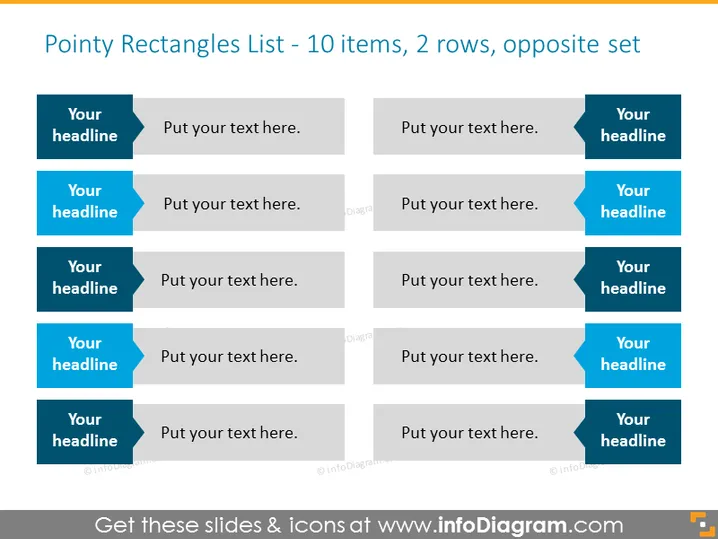
Pointy Rectangles List - 10 items, 2 rows, opposite set
Slide Content
The slide is designed to represent a list of 10 items organized in 2 rows with an opposing set format, allowing for a comparative overview or a back-and-forth flow of information. Each item comprises a colored 'headline' tab and a wider grey placeholder for additional text, both shaped like pointed rectangles. This layout suggests a structured approach to displaying paired concepts or categories.
Graphical Look
- Two sets of five horizontally aligned rectangular shapes with pointed tabs on the left or right.
- The rectangles for headings are filled with a deep blue color, contrasted with light grey for the text areas.
- Each pair of rectangles (blue heading and grey text area) is aligned opposite each other to form two rows.
- Overall, the graphic elements resemble alternating arrows pointing towards a central line.
The overall design is clean and organized, using contrasting colors to separate headings from content. The alternating pattern creates a sense of interaction or comparison between the two sides.
Use Cases
- Presenting pros and cons or comparing two sets of ideas during a business meeting or workshop.
- Organizing and displaying a list of features and benefits of a product for a marketing presentation.
- Showcasing a timeline of events or milestones with opposite yet related occurrences in a project management briefing.
- Outlining objectives and corresponding strategies or tactics in a strategic planning session.
How to Edit
How to edit text & colors

How to expand / shorten diagram

How to Replace Icons in infoDiagram PPT


