
Reviews
Your graphics add a nice touch to my presentations and I recently used them for one of my all-hands meetings. Your toolbox adds professionalism to my slides. Instead of using standard clipart.
I needed a fresh look at some of my slides. I've tried to find a way to create a paintbrush effect, to underline, accentuate, add some color and the handwritten markers were just the things. Very easy to use, easy to size, change the color. It was an affordable, perfect solution and I'm happy to recommend it.
The crisp, clean look of the graphics, and the fact that it allowed me to easily edit and change the colors to match the template was my main reason for purchasing them.
Description
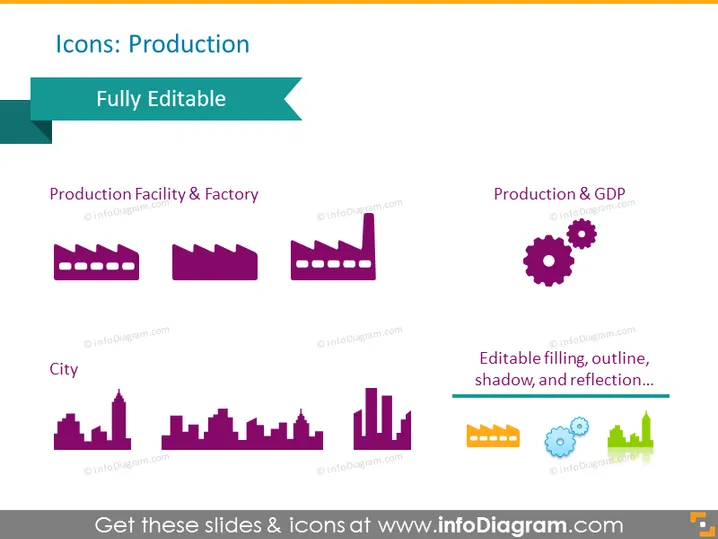
Icons: Production
Slide Content
The PowerPoint slide is titled "Icons: Production" and features a variety of icons related to production. There are two category sections: "Production Facility & Factory," showing two factory building icons, which symbolize different types of manufacturing facilities; and "Production & GDP," displaying gears representing the interconnection of production and the economy. Another section labeled "City" presents city skyline icons, denoting urban environments or sectors. The icons are noted to be "Fully Editable" and have "Editable filling, outline, shadow, and reflection..."
Graphical Look
- The slide background is a plain light color.
- The slide title is at the top in a dark, bold font with a decorative turquoise banner on the left.
- A turquoise ribbon on the upper right signifies that the icons are "Fully Editable."
- There are two sections of content: the first features two purple icons of factories, and the second has a set of gears in purple and orange.
- A third content section at the bottom shows different skyline silhouettes in purple and violet, also with an orange icon.
- Descriptive text underneath each section in a smaller, dark font color explains the icons' properties.
- Each set of icons is aligned horizontally, providing a balanced and organized appearance.
The slide has a clean, modern design with a clear distinction between different sets of icons and their descriptive texts. The color palette is limited to shades of purple, orange, and turquoise which creates a professional and cohesive look.
Use Cases
- Presenting an overview of a company's manufacturing operations in an executive meeting.
- Visualizing the components of industrial sectors within an economic report or analysis.
- Illustrating urban development projects, especially in the context of city planning or real estate presentations.
- Enhancing educational materials on topics such as production management or urban economics.
How to Edit
How to edit text & colors

How to expand / shorten diagram

How to Replace Icons in infoDiagram PPT


