

Your graphics add a nice touch to my presentations and I recently used them for one of my all-hands meetings. Your toolbox adds professionalism to my slides. Instead of using standard clipart.
Claude Jones, Director of Engineer, @Walmartlabs, USA

Your graphics add a nice touch to my presentations and I recently used them for one of my all-hands meetings. Your toolbox adds professionalism to my slides. Instead of using standard clipart.
Claude Jones, Director of Engineer, @Walmartlabs, USA
I needed a fresh look at some of my slides. I've tried to find a way to create a paintbrush effect, to underline, accentuate, add some color and the handwritten markers were just the things. Very easy to use, easy to size, change the color. It was an affordable, perfect solution and I'm happy to recommend it.
Anonymous, US
The crisp, clean look of the graphics, and the fact that it allowed me to easily edit and change the colors to match the template was my main reason for purchasing them.
Brandie Jenkins, E-learning Developer, USA
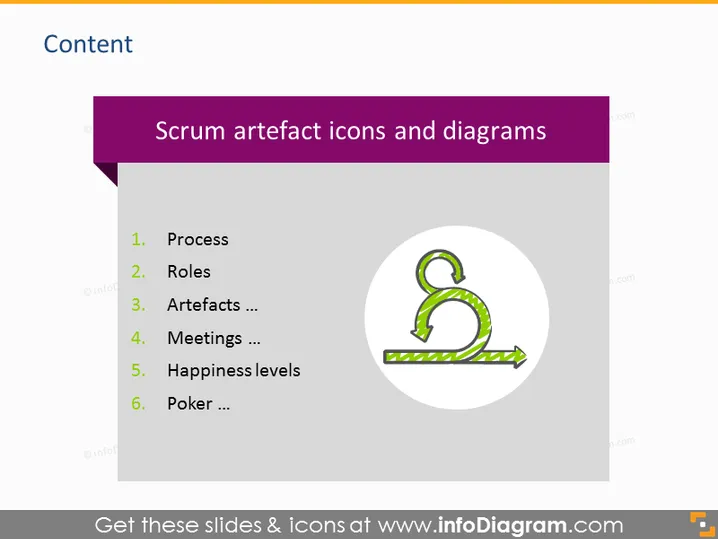
The slide is titled "Scrum artefact icons and diagrams" and seems to be part of a content overview for a presentation on Scrum, an Agile framework for managing complex projects. The slide lists six topics: Process, Roles, Artefacts, Meetings, Happiness levels, and Poker. Each item presumably represents a section or concept within Scrum. "Process" likely outlines the procedural flow of Scrum, "Roles" defines the various responsibilities, "Artefacts" discusses items that are used as tools or references within Scrum, "Meetings" covers the different types of gatherings held, "Happiness levels" might relate to team morale or satisfaction tracking, and "Poker" is probably referring to Planning Poker, a consensus-based estimating technique.
The PowerPoint slide has a clean, professional appearance, using a limited color palette that does not overwhelm the viewer. The iconography is simple yet symbolic, aiding visual communication of the concepts listed.



