

Your graphics add a nice touch to my presentations and I recently used them for one of my all-hands meetings. Your toolbox adds professionalism to my slides. Instead of using standard clipart.
Claude Jones, Director of Engineer, @Walmartlabs, USA

Your graphics add a nice touch to my presentations and I recently used them for one of my all-hands meetings. Your toolbox adds professionalism to my slides. Instead of using standard clipart.
Claude Jones, Director of Engineer, @Walmartlabs, USA
I needed a fresh look at some of my slides. I've tried to find a way to create a paintbrush effect, to underline, accentuate, add some color and the handwritten markers were just the things. Very easy to use, easy to size, change the color. It was an affordable, perfect solution and I'm happy to recommend it.
Anonymous, US
The crisp, clean look of the graphics, and the fact that it allowed me to easily edit and change the colors to match the template was my main reason for purchasing them.
Brandie Jenkins, E-learning Developer, USA
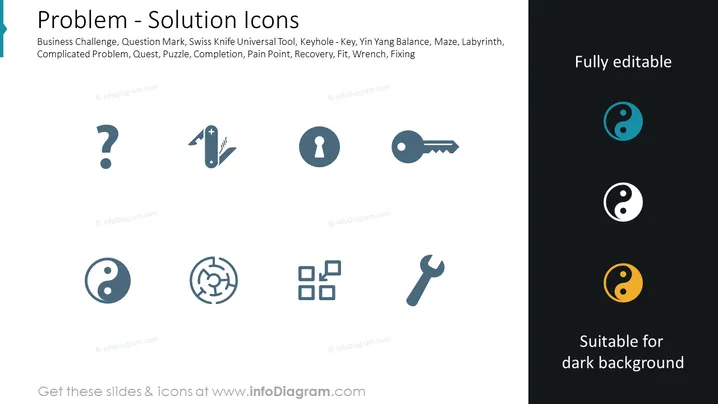
The slide titled "Problem - Solution Icons" represents various symbols associated with problem-solving and strategy in a business context. The icons include a question mark for Business Challenge, signifying the emergence of unforeseen issues. A Swiss Knife depicts the Universal Tool, illustrating versatility and adaptability. The keyhole with a key represents access or a solution. Yin Yang icons suggest Balance, indicating the importance of harmony in resolving conflicts. A maze represents a Complicated Problem, symbolizing complex challenges that require careful navigation. Puzzle pieces symbolize Quest/Completion, referring to the journey towards achieving a goal or solution. A wrench embodies Fixing, representing the tools or means to repair or adjust processes.
The slide has a professional and minimalistic look, with a clear focus on the icons and their meanings. The design is scalable, clean, and easy to interpret, making it appealing for a professional setting.



