
Reviews
Your graphics add a nice touch to my presentations and I recently used them for one of my all-hands meetings. Your toolbox adds professionalism to my slides. Instead of using standard clipart.
I needed a fresh look at some of my slides. I've tried to find a way to create a paintbrush effect, to underline, accentuate, add some color and the handwritten markers were just the things. Very easy to use, easy to size, change the color. It was an affordable, perfect solution and I'm happy to recommend it.
The crisp, clean look of the graphics, and the fact that it allowed me to easily edit and change the colors to match the template was my main reason for purchasing them.
Description
SHOW YOUR PICTURE IN A CREATIVE WAY
Slide Content
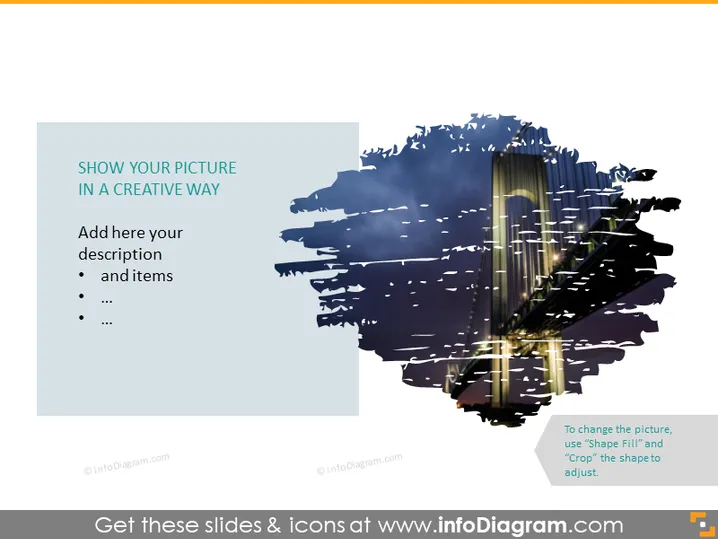
The PowerPoint slide is titled "SHOW YOUR PICTURE IN A CREATIVE WAY" and prompts the presenter to add a description and list items beneath the headline. The slide is designed to showcase a picture in an artistic manner, encouraging the use of a visual element as a central focus. Instructions are provided for customizing the picture, suggesting the ability to change the image using 'Shape Fill' and to adjust the crop.
Graphical Look
- The slide features a large, abstract brushstroke image on the right side.
- A smaller, semi-transparent rectangle on the left contains the slide's text.
- The brushstroke has a photo overlaid within it, showing blended interaction between the text and the image.
- The color scheme is mostly blue with hints of gold from the overlaid photo within the brushstroke.
- The text box on the left is in a darker shade of blue, offering contrast to the brushstroke.
- At the bottom right, instructions are given in a small, discrete textbox regarding changing the picture.
The overall look of the slide is modern and artistic, creating a dynamic space where text and imagery interact. The design encourages a focus on visual engagement, with the textual content playing a supportive role.
Use Cases
- To introduce a new product or feature visually during a business presentation.
- For a marketing pitch that relies heavily on visual appeal and branding aesthetics.
- When showcasing before-and-after scenarios, using the image to represent the result.
- During creative team meetings to discuss design concepts or advertising visuals.
How to Edit
How to edit text & colors

How to expand / shorten diagram

How to Replace Icons in infoDiagram PPT


