
Reviews
Sus gráficos añaden un toque agradable a mis presentaciones y recientemente los usé para una de mis reuniones generales. Su conjunto de herramientas añade profesionalismo a mis diapositivas. En lugar de usar imágenes prediseñadas estándar.
Necesitaba un aspecto fresco para algunas de mis diapositivas. Había intentado encontrar una forma de crear un efecto de pincel, de subrayar, acentuar, añadir algo de color y los marcadores escritos a mano fueron justo lo que necesitaba. Muy fácil de usar, fácil de ajustar el tamaño, cambiar el color. Fue una solución asequible y perfecta, y estoy feliz de recomendarla.
El aspecto nítido y limpio de los gráficos, y el hecho de que me permitiera editar y cambiar fácilmente los colores para que coincidieran con la plantilla fue mi principal razón para comprarlos.
Description
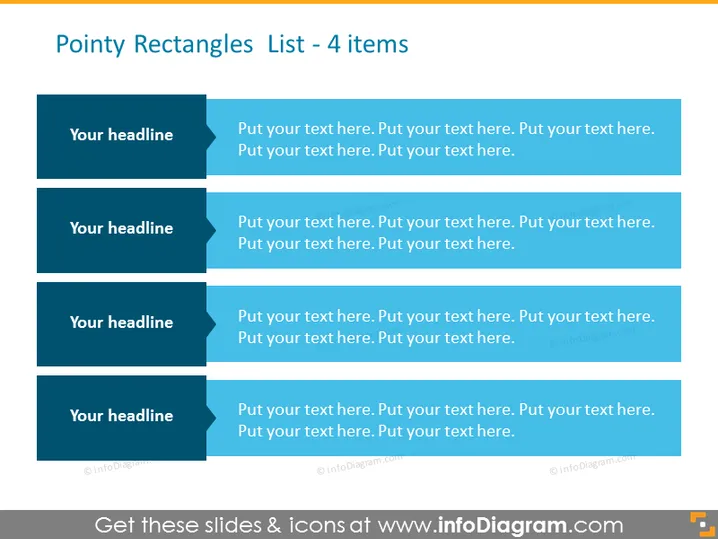
Pointy Rectangles List - 4 items
Slide Content
The slide is titled "Pointy Rectangles List - 4 items" and features a vertical list of four teal pointy rectangular shapes, each with a place for a headline and corresponding descriptive text. It appears to be a template for organizing information hierarchically or sequentially. Each item is clearly delineated, suggesting a structure that is ideal for presenting distinct but related topics or tasks with the opportunity to insert a heading and a more detailed elaboration for each point.
Graphical Look
- Four large pointy rectangles in a teal color are stacked vertically.
- Each rectangle has a darker header section labeled "Your headline" and a lighter section for additional text.
- The rectangles each have a right-oriented triangular cutout on the left side.
- Text placeholders with the repeated phrase "Put your text here." are visible inside each rectangle.
- The slide background is a plain light grey color.
- No other graphical objects or icons are present outside of the text placeholders and shapes.
The slide has a clean, professional look with a monochromatic color scheme that provides a visually pleasing contrast between items. The pointed design of the rectangles adds dynamism and a sense of direction or progress.
Use Cases
- To present a step-by-step guide or process in a business presentation.
- To outline a list of services or features in a product presentation.
- To showcase a sequence of strategies or objectives in a project plan.
- To itemize key points in an educational or training session.
How to Edit
How to edit text & colors

How to expand / shorten diagram

How to Replace Icons in infoDiagram PPT


