
Reviews
Ihre Grafiken verleihen meinen Präsentationen eine nette Note, und ich habe sie kürzlich für eines meiner All-Hands-Meetings verwendet. Ihre Toolbox verleiht meinen Folien Professionalität, anstatt Standard-Clipart zu verwenden.
Ich brauchte einen neuen Blick auf einige meiner Folien. Ich habe versucht, einen Weg zu finden, einen Pinselschlag-Effekt zu erzielen, um zu unterstreichen, hervorzuheben, Farbe hinzuzufügen, und die handgeschriebenen Markierungen waren genau das Richtige. Sehr einfach zu bedienen, leicht in der Größe zu ändern, die Farbe zu ändern. Es war eine erschwingliche, perfekte Lösung und ich empfehle sie gerne weiter.
Die klare, saubere Optik der Grafiken und die Tatsache, dass ich die Farben leicht bearbeiten und an die Vorlage anpassen konnte, war mein Hauptgrund für den Kauf.
Description
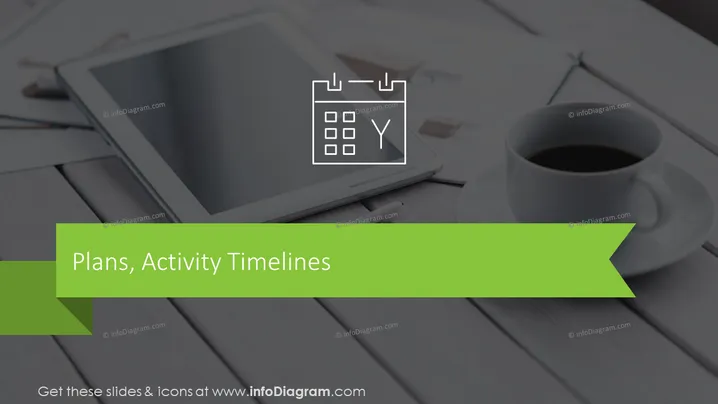
Plans, Activity Timelines
Slide Content
The PowerPoint slide is titled "Plans, Activity Timelines," suggesting it covers topics related to scheduling, project planning, or chronological sequencing of tasks and activities. It's likely that the slide would be part of a presentation on project management, strategic planning, or productivity methods, but as the content details are not provided in the image, it's difficult to expand further on the specific concepts meant by "Plans" and "Activity Timelines."
Graphical Look
- The background of the slide features a grayscale photograph with an overlay, where objects such as a tablet, pen, and a cup of coffee on a desk can be vaguely recognized.
- At the top, the slide title "Plans, Activity Timelines" is presented in a large white sans-serif font.
- To the right top corner of the slide, there is a linear icon resembling a calendar with checkmarks and a forked path, hinting at planning or scheduling.
- The bottom section of the slide displays a bright green banner that intersects with the title text, giving a pop of color and drawing attention to the slide's header.
- There is a consistent color theme of green, white, and grayscale, providing a professional and clean aesthetic.
The slide has a modern and professional look, employing a limited color palette to create contrast. The green banner functions as a visual anchor and adds dynamism to the overall design.
Use Cases
- In project management meetings to illustrate the stages or timeline of a project.
- In strategy sessions for laying out the steps and scheduled activities of a business plan.
- During team meetings to discuss and align on upcoming tasks and deadlines.
- In training sessions to explain the concept of time management and effective planning methodologies.
How to Edit
How to edit text & colors

How to expand / shorten diagram

How to Replace Icons in infoDiagram PPT


