

Your graphics add a nice touch to my presentations and I recently used them for one of my all-hands meetings. Your toolbox adds professionalism to my slides. Instead of using standard clipart.
Claude Jones, Director of Engineer, @Walmartlabs, USA

Your graphics add a nice touch to my presentations and I recently used them for one of my all-hands meetings. Your toolbox adds professionalism to my slides. Instead of using standard clipart.
Claude Jones, Director of Engineer, @Walmartlabs, USA
I needed a fresh look at some of my slides. I've tried to find a way to create a paintbrush effect, to underline, accentuate, add some color and the handwritten markers were just the things. Very easy to use, easy to size, change the color. It was an affordable, perfect solution and I'm happy to recommend it.
Anonymous, US
The crisp, clean look of the graphics, and the fact that it allowed me to easily edit and change the colors to match the template was my main reason for purchasing them.
Brandie Jenkins, E-learning Developer, USA
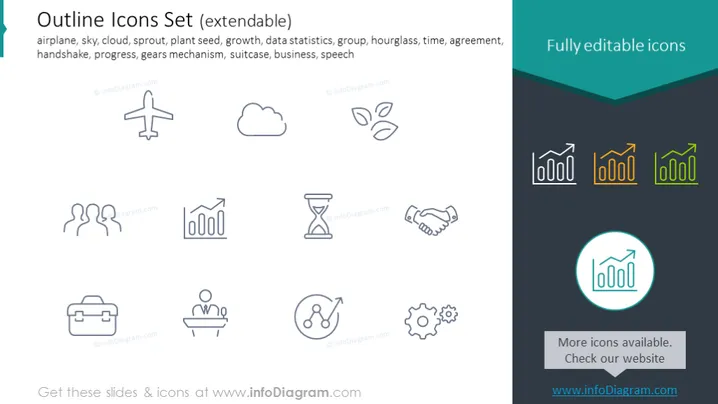
The slide showcases an "Outline Icons Set" designed to be extendable, consisting of various icons representing different concepts and elements that are common in business and general visual communication. The icons include an airplane symbolizing travel or transport, a cloud for weather or cloud computing, a sprout with leaves symbolizing growth or sustainability, an hourglass denoting time, and others depicting statistics, agreement (handshake), progress or workflow (gears mechanism), travel or business readiness (suitcase), and public speaking (speech bubble).
The slide has a modern and minimalistic look with a professional feel due to its simple color scheme and clean iconographic style. The highlighted icon adds a subtle touch of color, emphasizing its capability to stand out for special focus.



