
Your graphics add a nice touch to my presentations and I recently used them for one of my all-hands meetings. Your toolbox adds professionalism to my slides. Instead of using standard clipart.
Claude Jones, Director of Engineer, @Walmartlabs, USA

Your graphics add a nice touch to my presentations and I recently used them for one of my all-hands meetings. Your toolbox adds professionalism to my slides. Instead of using standard clipart.
Claude Jones, Director of Engineer, @Walmartlabs, USA

I needed a fresh look at some of my slides. I've tried to find a way to create a paintbrush effect, to underline, accentuate, add some color and the handwritten markers were just the things. Very easy to use, easy to size, change the color. It was an affordable, perfect solution and I'm happy to recommend it.
Anonymous, US
The crisp, clean look of the graphics, and the fact that it allowed me to easily edit and change the colors to match the template was my main reason for purchasing them.
Brandie Jenkins, E-learning Developer, USA
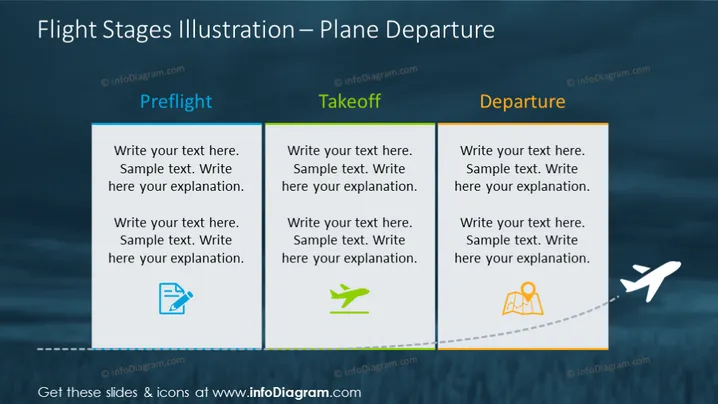
The slide covers the "Flight Stages Illustration – Plane Departure" topic, divided into three sections: Preflight, Takeoff, and Departure. Each section contains placeholder text where detailed explanations can be placed. Preflight is associated with readiness, Takeoff represents the initiation or launch phase, and Departure symbolizes moving towards a destination, with illustrative icons for each stage conveying a progressive journey of a flight.
The slide has a professional and organized appearance, using visual elements to clearly communicate the progression of stages. The use of color is subtle and purposeful, directing focus without overpowering the content.


