
Reviews
The icons are fantastic, easy to use, and will add value to any project or presentation. Keep up the great work.
I love how simple infoDiagram's solutions are and the personal interest they took in my work. Recommended 1000%!
The crisp, clean look of the graphics, and the fact that it allowed me to easily edit and change the colors to match the template was my main reason for purchasing them.
Description
##Usage Example With Multiple Pie Charts: Regional US Statistics SLide
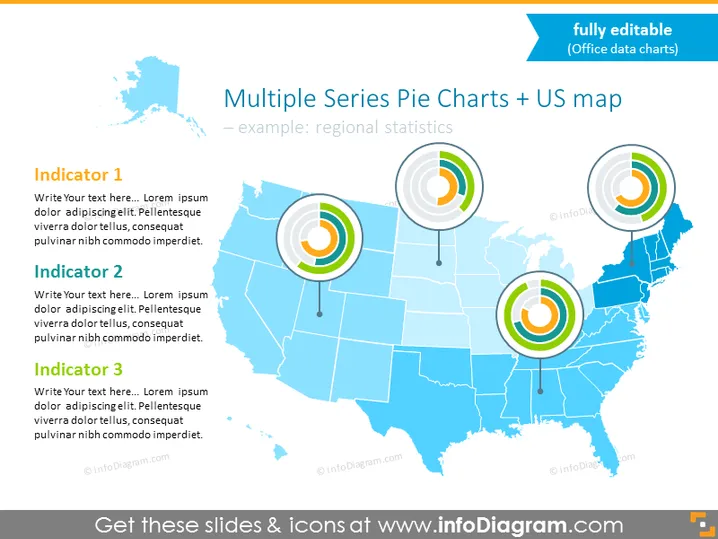
Use this visual slide to explain multiple index values for many locations on the US map. Discuss results in different localizations in one infographic and compare them easily, thanks to meaningful visuals. Add descriptions, and edit all graphics on this slide to match your company's branding guidelines.
##What Does This Usage Example With Multiple Pie Charts: Regional US Statistics SLide Include?
- Excel data-driven multiple pie charts placed on the US map
- 3 editable text placeholders with titles for your descriptions
- US map in shades of blue in the background
This Usage Example With Multiple Pie Charts: Regional US Statistics SLide is a part of our Flat Data-Driven Presentation Charts PPT Template.
How to Edit
How to edit text & colors

How to expand / shorten diagram

How to Replace Icons in infoDiagram PPT


