

Your graphics add a nice touch to my presentations and I recently used them for one of my all-hands meetings. Your toolbox adds professionalism to my slides. Instead of using standard clipart.
Claude Jones, Director of Engineer, @Walmartlabs, USA

Your graphics add a nice touch to my presentations and I recently used them for one of my all-hands meetings. Your toolbox adds professionalism to my slides. Instead of using standard clipart.
Claude Jones, Director of Engineer, @Walmartlabs, USA
I needed a fresh look at some of my slides. I've tried to find a way to create a paintbrush effect, to underline, accentuate, add some color and the handwritten markers were just the things. Very easy to use, easy to size, change the color. It was an affordable, perfect solution and I'm happy to recommend it.
Anonymous, US
The crisp, clean look of the graphics, and the fact that it allowed me to easily edit and change the colors to match the template was my main reason for purchasing them.
Brandie Jenkins, E-learning Developer, USA
The image does not contain a clear slide title, so I cannot provide one.
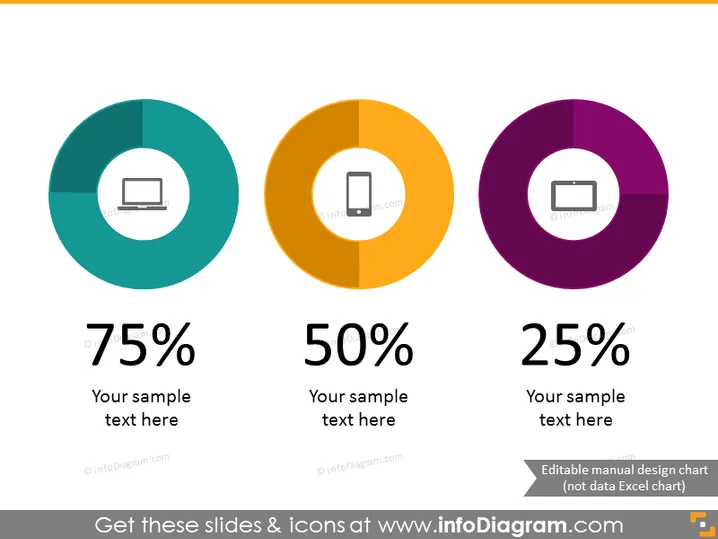
The PowerPoint slides showcase three donut charts each representing a different percentage – 75%, 50%, and 25%. Each chart is accompanied by a placeholder for text, suggesting that the percentages relate to different topics or categories that can be customized. The 75% chart has an icon of a laptop, indicating perhaps a tech-related statistic. The 50% with a mobile phone icon may represent mobile usage or market share. The 25% with a projector screen could relate to presentations or visual content share.
The slide has a clean, modern look with a balanced layout that allows for easy comparison of the data presented in the donut charts. The contrasting colors and bold percentage figures help draw attention to key information.



