

Your graphics add a nice touch to my presentations and I recently used them for one of my all-hands meetings. Your toolbox adds professionalism to my slides. Instead of using standard clipart.
Claude Jones, Director of Engineer, @Walmartlabs, USA

Your graphics add a nice touch to my presentations and I recently used them for one of my all-hands meetings. Your toolbox adds professionalism to my slides. Instead of using standard clipart.
Claude Jones, Director of Engineer, @Walmartlabs, USA
I needed a fresh look at some of my slides. I've tried to find a way to create a paintbrush effect, to underline, accentuate, add some color and the handwritten markers were just the things. Very easy to use, easy to size, change the color. It was an affordable, perfect solution and I'm happy to recommend it.
Anonymous, US
The crisp, clean look of the graphics, and the fact that it allowed me to easily edit and change the colors to match the template was my main reason for purchasing them.
Brandie Jenkins, E-learning Developer, USA
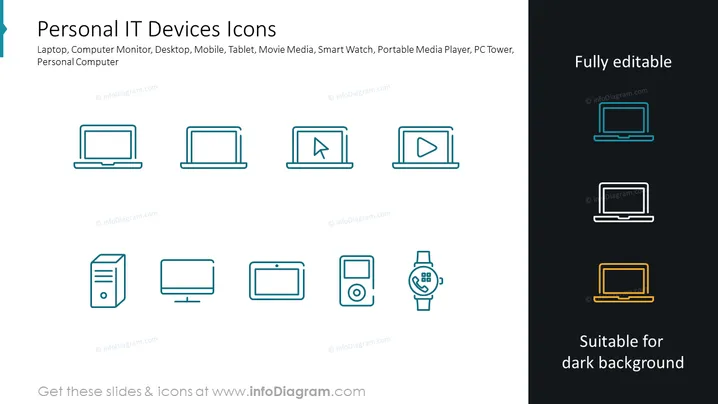
The PowerPoint slide presents a collection of line-drawn icons representing various personal IT devices. Each icon corresponds to a different piece of technology: a laptop signifies portable computing; a computer monitor for displaying visual output; a desktop refers to a stationary computing device; a mobile icon for cellular devices; a tablet depicts a touchscreen device; a movie media icon indicates video playback capability; a smartwatch icon for wearable technology; a portable media player for handheld entertainment; and a PC tower as the housing for desktop computer components.
The slide's overall look is minimalistic and modern, with the icons evenly spaced and uniformly styled for visual coherence.



