

Your graphics add a nice touch to my presentations and I recently used them for one of my all-hands meetings. Your toolbox adds professionalism to my slides. Instead of using standard clipart.
Claude Jones, Director of Engineer, @Walmartlabs, USA

Your graphics add a nice touch to my presentations and I recently used them for one of my all-hands meetings. Your toolbox adds professionalism to my slides. Instead of using standard clipart.
Claude Jones, Director of Engineer, @Walmartlabs, USA
I needed a fresh look at some of my slides. I've tried to find a way to create a paintbrush effect, to underline, accentuate, add some color and the handwritten markers were just the things. Very easy to use, easy to size, change the color. It was an affordable, perfect solution and I'm happy to recommend it.
Anonymous, US
The crisp, clean look of the graphics, and the fact that it allowed me to easily edit and change the colors to match the template was my main reason for purchasing them.
Brandie Jenkins, E-learning Developer, USA
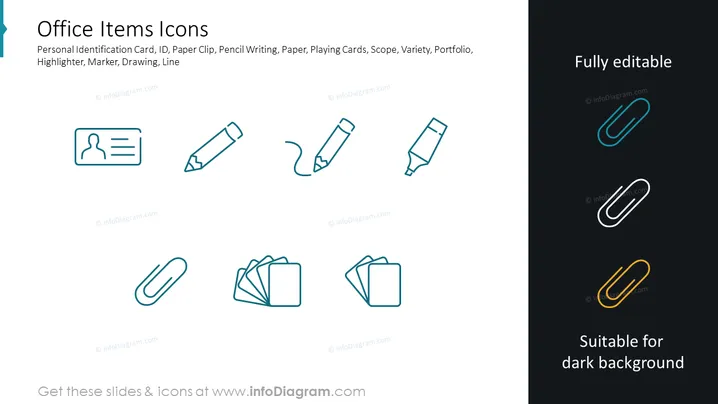
The PowerPoint slide titled "Office Items Icons" contains a collection of simple line icons representing typical office supplies. Personal identification card icon symbolizes access or identity verification, often used in business settings. ID Paper clip signifies organization and paper management. Pencil Writing is associated with traditional note-taking and sketching. Paper represents documentation or official reports. Playing Cards could be a metaphor for strategy or risk-taking. Scope is about focus or target-setting. Variety could indicate diversity or selection. Portfolio generally relates to work samples or credential presentation. Highlighter is about emphasizing or marking important information. Marker suggests labeling or highlighting and Drawing represents creativity or planning. Line might symbolize connection or division.
The slide has a clean, modern look with a clear contrast between the two halves. Its minimalist icon design facilitates quick recognition of each item's function or relevance.



