

Your graphics add a nice touch to my presentations and I recently used them for one of my all-hands meetings. Your toolbox adds professionalism to my slides. Instead of using standard clipart.
Claude Jones, Director of Engineer, @Walmartlabs, USA

Your graphics add a nice touch to my presentations and I recently used them for one of my all-hands meetings. Your toolbox adds professionalism to my slides. Instead of using standard clipart.
Claude Jones, Director of Engineer, @Walmartlabs, USA
I needed a fresh look at some of my slides. I've tried to find a way to create a paintbrush effect, to underline, accentuate, add some color and the handwritten markers were just the things. Very easy to use, easy to size, change the color. It was an affordable, perfect solution and I'm happy to recommend it.
Anonymous, US
The crisp, clean look of the graphics, and the fact that it allowed me to easily edit and change the colors to match the template was my main reason for purchasing them.
Brandie Jenkins, E-learning Developer, USA
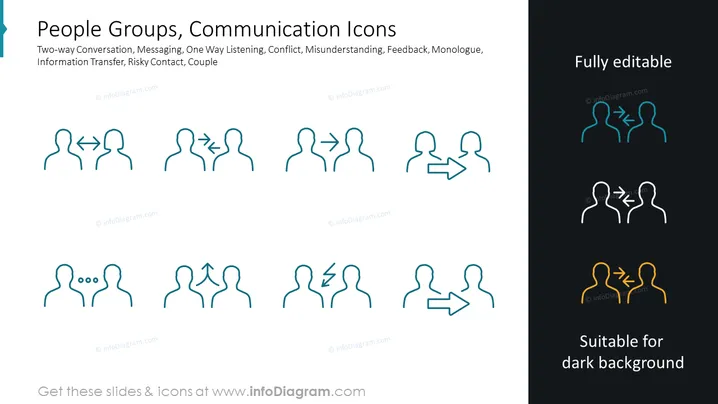
The PowerPoint slide presents a set of stylized communication icons representing various interaction dynamics, such as Two-way Conversation (depicting mutual exchange), Messaging (denoting sending information), One Way Listening (showing unilateral communication), Conflict (indicating disagreement), Misunderstanding (symbolizing confusion), Feedback (suggesting responsive communication), Monologue (implying a one-sided talk), and a Couple (representing a pair in communication). Each icon portrays different scenarios of interaction using simplified human figures with arrows and lines to denote the direction or flow of communication.
The overall look is modern and professional, with a focus on simplicity and clarity of communication through icons. The icons' design allows for quick comprehension of complex interpersonal dynamics in a visual format.



