
Reviews
Ihre Grafiken verleihen meinen Präsentationen eine nette Note, und ich habe sie kürzlich für eines meiner All-Hands-Meetings verwendet. Ihre Toolbox verleiht meinen Folien Professionalität, anstatt Standard-Clipart zu verwenden.
Ich brauchte einen neuen Blick auf einige meiner Folien. Ich habe versucht, einen Weg zu finden, einen Pinselschlag-Effekt zu erzielen, um zu unterstreichen, hervorzuheben, Farbe hinzuzufügen, und die handgeschriebenen Markierungen waren genau das Richtige. Sehr einfach zu bedienen, leicht in der Größe zu ändern, die Farbe zu ändern. Es war eine erschwingliche, perfekte Lösung und ich empfehle sie gerne weiter.
Die klare, saubere Optik der Grafiken und die Tatsache, dass ich die Farben leicht bearbeiten und an die Vorlage anpassen konnte, war mein Hauptgrund für den Kauf.
Description
Slide Title
Unfortunately, the picture you've provided does not include the title of the PowerPoint slide, so I am unable to provide the slide title in a level 2 markdown header format.
Slide Content
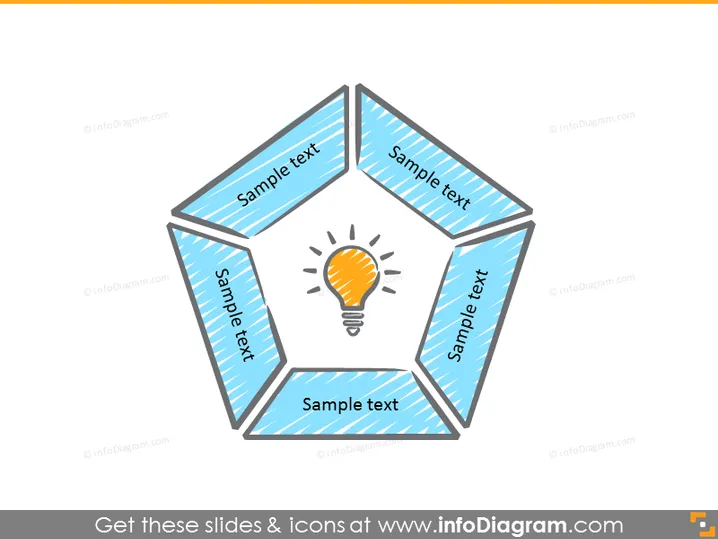
The PowerPoint slide exhibits a pentagon-shaped diagram with five segments, each containing the placeholder "Sample text," which suggests that each segment can be customized with specific information. This layout signifies that the diagram is likely intended to display interconnected elements or categories that relate to a central idea represented by the light bulb in the center—symbolizing innovation, insight, or a core concept.
Graphical Look
- A five-sided pentagonal shape is centrally placed on the slide.
- Each side of the pentagon contains a blue banner with the phrase "Sample text".
- The center of the pentagon displays a bright light bulb icon with a yellow glow, highlighting a central concept.
- The pentagon and associated elements have a hand-drawn, sketch-like aesthetic.
- The use of shadow effects gives the diagram a slight 3D appearance as if it's floating above the slide background.
- The color palette consists of shades of blue, orange for the light bulb, and gray for the outlines and shadows.
The overall look of the slide is clean and modern, with a simple color scheme that directs focus to the central light bulb icon. The sketch-like style of the graphics adds a touch of informality and creativity.
Use Cases
- To illustrate a central business idea or theme with supporting points or categories.
- To showcase a business strategy or concept with five interconnected components.
- As an organizational tool to present research findings or insights that revolve around a central thesis.
- To depict a marketing message where the light bulb symbolizes the main value proposition supported by key benefits.
How to Edit
How to edit text & colors

How to expand / shorten diagram

How to Replace Icons in infoDiagram PPT


