
Your graphics add a nice touch to my presentations and I recently used them for one of my all-hands meetings. Your toolbox adds professionalism to my slides. Instead of using standard clipart.
Claude Jones, Director of Engineer, @Walmartlabs, USA
Your graphics add a nice touch to my presentations and I recently used them for one of my all-hands meetings. Your toolbox adds professionalism to my slides. Instead of using standard clipart.
Claude Jones, Director of Engineer, @Walmartlabs, USA
I needed a fresh look at some of my slides. I've tried to find a way to create a paintbrush effect, to underline, accentuate, add some color and the handwritten markers were just the things. Very easy to use, easy to size, change the color. It was an affordable, perfect solution and I'm happy to recommend it.
Anonymous, US
The crisp, clean look of the graphics, and the fact that it allowed me to easily edit and change the colors to match the template was my main reason for purchasing them.
Brandie Jenkins, E-learning Developer, USA
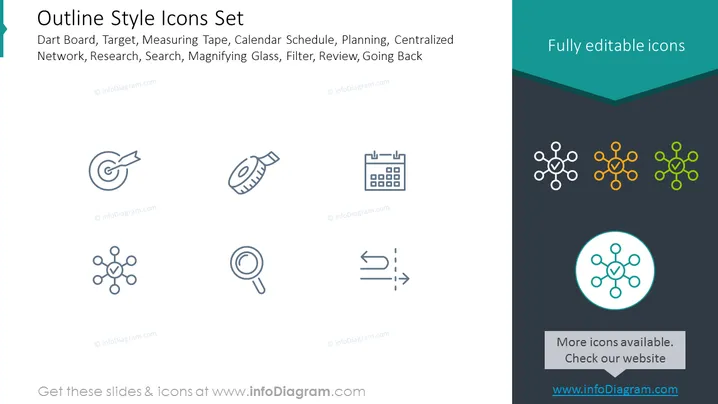
The slide presents a collection of outline style icons which can be fully edited. These icons represent various concepts and tools such as Dart Board (symbolizing goals or targets), Target (focusing on objectives), Measuring Tape (indicating measurement or assessment), Calendar Schedule (planning or time management), Planning (strategy or long-term thinking), Centralized Network (organizational structure or connectivity), Research (investigation or study), Search (exploration or inquiry), Magnifying Glass (detailed analysis), Filter (sorting or refinement), Review (evaluation or feedback), and Going Back (returning to previous steps or reconsideration).
The slide has a clean and modern aesthetic, with plenty of white space around the icons to keep the focus on the visuals. The contrasting background colors create a visual distinction between the main content and the sidebar message.




