
Reviews
Your graphics add a nice touch to my presentations and I recently used them for one of my all-hands meetings. Your toolbox adds professionalism to my slides. Instead of using standard clipart.
I needed a fresh look at some of my slides. I've tried to find a way to create a paintbrush effect, to underline, accentuate, add some color and the handwritten markers were just the things. Very easy to use, easy to size, change the color. It was an affordable, perfect solution and I'm happy to recommend it.
The crisp, clean look of the graphics, and the fact that it allowed me to easily edit and change the colors to match the template was my main reason for purchasing them.
Description
Outline Style Icons Set – People & Decision Related
Slide Content
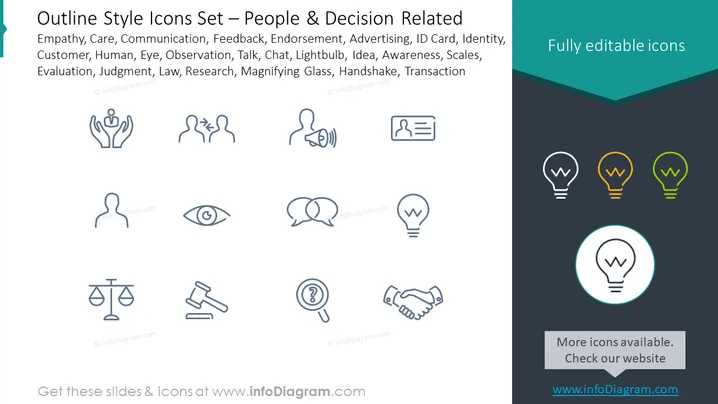
The slide is titled "Outline Style Icons Set – People & Decision Related" and features a collection of icons representing various concepts such as empathy, which implies understanding and sharing the feelings of others; care, denoting attention and consideration; communication, for exchanging information; feedback, which involves providing constructive criticism or praise; endorsement, suggesting public support; advertising, related to promoting products or services; and others including ID card, customer, human, eye, observation, talk, chat, lightbulb, idea, awareness, scales, evaluation, judgment, law, research, magnifying glass, handshake, and transaction, each representing different aspects of interpersonal and decision-making processes.
Graphical Look
- The slide background is split with the top half white and the lower half a dark gray.
- The title is prominently displayed at the top in a large, bold font.
- A subheader below the title lists various concepts, each corresponding to the outlined icons.
- There are three rows of icons; each row contains four icons relating to people and decision-making.
- All icons are drawn in a consistent outline style and are centered in their respective spaces.
- On the right-hand side, there's a text box with the phrase "Fully editable icons" against an angled dark teal banner.
- The lower part of the slide includes a separate banner that says "More icons available. Check our website" along with a URL.
- One icon (lightbulb) is encircled and highlighted with a pale blue glow to perhaps indicate emphasis.
- The icons consist of simple, clean lines with a minimalistic design, enhancing visual clarity and recognition.
- The lightbulb icons on the right change in color from white, to orange, to green, showing a progression or selection concept.
The slide presents a clean and professional layout with a harmonious color scheme. The use of both white and dark areas creates contrast that assists with the emphasis of the icons and text.
Use Cases
- Presenting a visual aid for discussions on human resource practices, such as empathy and communication in the workplace.
- Providing visual support for marketing strategies, where icons like advertising, endorsement, and customer engagement are relevant.
- Incorporating in training materials or presentations on business ethics and practices, such as law, judgment, and evaluation.
- Enhancing business proposals or reports that involve decision-making processes, signified by icons like scales, lightbulb for idea generation, and magnifying glass for research.
How to Edit
How to edit text & colors

How to expand / shorten diagram

How to Replace Icons in infoDiagram PPT


