
Reviews
Your graphics add a nice touch to my presentations and I recently used them for one of my all-hands meetings. Your toolbox adds professionalism to my slides. Instead of using standard clipart.
I needed a fresh look at some of my slides. I've tried to find a way to create a paintbrush effect, to underline, accentuate, add some color and the handwritten markers were just the things. Very easy to use, easy to size, change the color. It was an affordable, perfect solution and I'm happy to recommend it.
The crisp, clean look of the graphics, and the fact that it allowed me to easily edit and change the colors to match the template was my main reason for purchasing them.
Description
Outline Icons Set - Cards Business Symbols 1
Slide Content
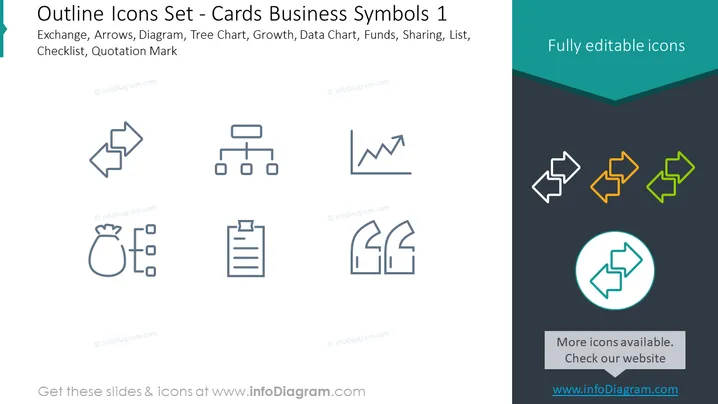
The PowerPoint slide presents a collection of outline icons representing various business concepts such as Exchange, which typically symbolizes transaction or data transfer; Arrows, often for direction or movement; Diagram, for structure or processes; Tree Chart, representing hierarchical information; Growth, indicating an upward trend or increase; Data Chart, for visualizing data; Funds, related to finance or investment; Sharing, symbolizing collaboration or distribution; List, for itemization, and Quotation Mark, denoting speech or citation.
Graphical Look
- A dark teal header with white text displaying the slide title.
- Two rows of icons, with each row containing four outline-style icons.
- The icons in the first row are grey, and depict two connected arrows, a hierarchy tree chart, a growth chart, and a data chart with bar and line elements.
- The icons in the second row are grey, and represent a sack of money with coins, a shared document interface, a clipboard with a list, and two quotation marks.
- A circle highlighting a set of three arrows at the bottom right in turquoise, orange, and green.
- A grey rectangle at the bottom with a message about more icons available and a website address.
The overall look of the slide is clean and minimalistic, with a professional color scheme. The icons are symmetrically aligned, creating a balanced and organized appearance.
Use Cases
- To enhance visual communication in business presentations by providing clear and recognizable symbols for various concepts.
- As part of an educational material or training session for new employees to familiarize them with common business symbols and terms.
- In pitch decks to visually represent different aspects of a business or startup such as growth, financials, and organizational structure.
- On websites or marketing materials for a polished, professional look that simplifies complex information through iconography.
How to Edit
How to edit text & colors

How to expand / shorten diagram

How to Replace Icons in infoDiagram PPT


