

Your graphics add a nice touch to my presentations and I recently used them for one of my all-hands meetings. Your toolbox adds professionalism to my slides. Instead of using standard clipart.
Claude Jones, Director of Engineer, @Walmartlabs, USA

Your graphics add a nice touch to my presentations and I recently used them for one of my all-hands meetings. Your toolbox adds professionalism to my slides. Instead of using standard clipart.
Claude Jones, Director of Engineer, @Walmartlabs, USA
I needed a fresh look at some of my slides. I've tried to find a way to create a paintbrush effect, to underline, accentuate, add some color and the handwritten markers were just the things. Very easy to use, easy to size, change the color. It was an affordable, perfect solution and I'm happy to recommend it.
Anonymous, US
The crisp, clean look of the graphics, and the fact that it allowed me to easily edit and change the colors to match the template was my main reason for purchasing them.
Brandie Jenkins, E-learning Developer, USA
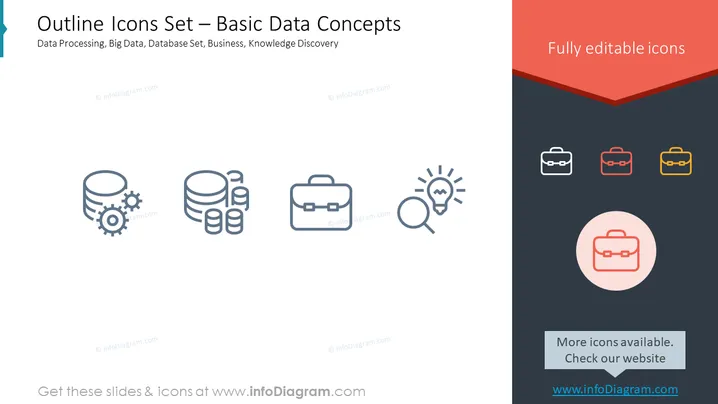
The PowerPoint slide showcases icons representing basic data concepts. There’s a depiction of data processing (gear and database symbol), suggesting a synergy between mechanical processes and data storage; big data is represented by multiple database cylinders, implying volume; database set is symbolized by a single database cylinder; business is represented by a briefcase, denoting the corporate or professional aspect; knowledge discovery is shown as a lightbulb with a magnifying glass, indicating insight and search.
The slide has a modern and clean design with a minimalist aesthetic, using icons and colored text to provide visual interest. The color choice for text and graphical elements is coordinated, giving the slide a professional appearance.



