
Reviews
Your graphics add a nice touch to my presentations and I recently used them for one of my all-hands meetings. Your toolbox adds professionalism to my slides. Instead of using standard clipart.
I needed a fresh look at some of my slides. I've tried to find a way to create a paintbrush effect, to underline, accentuate, add some color and the handwritten markers were just the things. Very easy to use, easy to size, change the color. It was an affordable, perfect solution and I'm happy to recommend it.
The crisp, clean look of the graphics, and the fact that it allowed me to easily edit and change the colors to match the template was my main reason for purchasing them.
Description
Outline Icons Set (extendable)
Slide Content
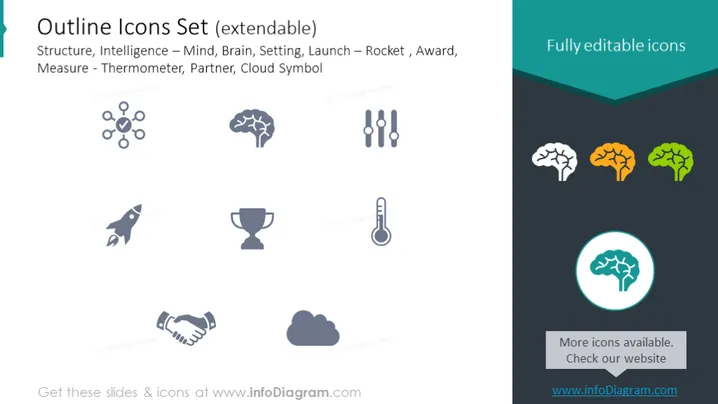
The slide showcases a collection of icons that fall under various categories such as Structure, represented by a hierarchical diagram; Intelligence – depicted by a brain and a gear icon symbolizing Mind and Setting, respectively; Launch by a rocket icon; Award by a trophy; Measure, which includes icons like a thermometer, handshake for Partner, and a cloud graphic for a Cloud Symbol. These icons appear to be meant for customization and application in various presentation contexts, indicated by the phrase "Fully editable icons".
Graphical Look
- A large title in a teal, left-aligned text box with a white font color.
- A subtle gray background that spans the entire slide.
- Nine icons are dispersed throughout the slide, three icons being highlighted in teal, yellow, and green on the right side.
- Smaller text descriptions are placed under each category of icons in a lighter gray color.
- A circular icon surrounded by a teal ring is visually emphasized, positioned in the lower right corner.
The slide has a clean and professional aesthetic with a cohesive color scheme that highlights certain elements, specifically the icons on the right, using vibrant colors to stand out against the muted background.
Use Cases
- Presenting a visual summary of services or features in a company profile or sales pitch.
- Enhancing the visual appeal of slides in educational materials or training presentations.
- Organizing information hierarchically in strategic planning or project management presentations.
- Customizing icons to represent different concepts in marketing materials or product outlines.
How to Edit
How to edit text & colors

How to expand / shorten diagram

How to Replace Icons in infoDiagram PPT


