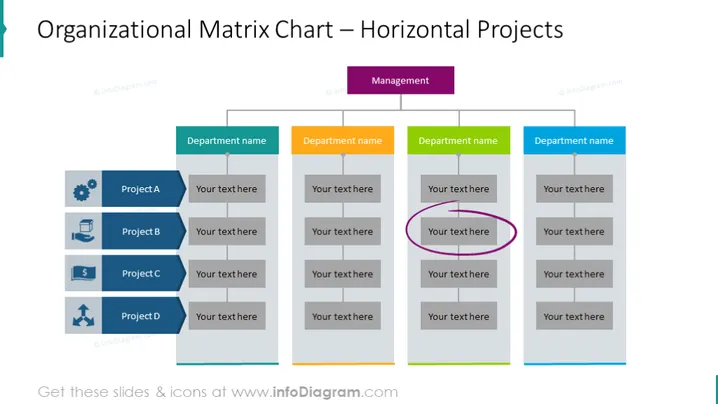
This slide shows a matrix organizational structure. You could use this matrix organization chart template to show hierarchies within your company, illustrate the chain of command for team members, display which team is handling what project, and who the project managers are; show the hierarchical structure within different departments (e.g. marketing department, accounting, operations, sales, finance department, customer service, human resources), etc.
All matrix org chart templates are fully editable, with icons coming in a vector graphic format. You can add shadows and other effects, change diagram colors to match your corporate palette or resize shapes without loss of image quality.
Compatible with PowerPoint, Keynote, and Google Slides.
##Slide contents:
Organizational Matrix PPT, Vector Graphic Illustrations, Horizontal Organizational Chart, Textboxes, Placeholder Text, Line Graphics, Circle Graphics, Triangle Graphics, Sketch Marker, Gears Icon, Box & Hand Icon, Cash Icon, Outward-facing Arrows Icon, Resizable Shapes, White Background