
Reviews
Sus gráficos añaden un toque agradable a mis presentaciones y recientemente los usé para una de mis reuniones generales. Su conjunto de herramientas añade profesionalismo a mis diapositivas. En lugar de usar imágenes prediseñadas estándar.
Necesitaba un aspecto fresco para algunas de mis diapositivas. Había intentado encontrar una forma de crear un efecto de pincel, de subrayar, acentuar, añadir algo de color y los marcadores escritos a mano fueron justo lo que necesitaba. Muy fácil de usar, fácil de ajustar el tamaño, cambiar el color. Fue una solución asequible y perfecta, y estoy feliz de recomendarla.
El aspecto nítido y limpio de los gráficos, y el hecho de que me permitiera editar y cambiar fácilmente los colores para que coincidieran con la plantilla fue mi principal razón para comprarlos.
Description
Organization
Slide Content
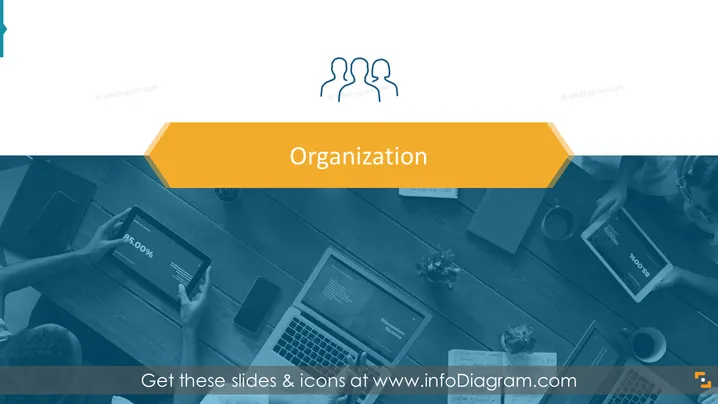
The PowerPoint slide is titled "Organization" and is likely a section header, signaling the start of a discussion or segment in a presentation that focuses on organizational topics. This can encompass a variety of subjects such as the company's structure, organizational culture, management strategies, or potential departmental outlines. Without more context, it's unclear what specific aspect of 'organization' the presentation addresses.
Graphical Look
- The slide background features a full-width image with a color overlay, contributing to a cohesive color scheme.
- A large banner-like shape with a flat design and a contrasting yellow-orange color sits at the top, which contains the slide title "Organization".
- Above the title, there are three stylized, interconnected human figures in white, suggesting collaboration or team structure.
- The overall image shows a top-down view of a conference table with several individuals engaged in a meeting, signified by their outstretched arms and the presence of various digital devices.
- Textures such as the wood grain of the table, the fabric of clothing, and the smooth surfaces of the devices add depth to the image.
- There's a color filter applied to the image that aligns with the slide's color scheme and overlays the background to enhance text visibility.
The slide has a professional and modern look with a clear focus on organization and teamwork. The use of graphic shapes and color overlay ensures that the title stands out clearly against the detailed background image.
Use Cases
- To introduce a section on organizational changes or updates during an internal company meeting.
- As an opening slide for a workshop or training session focused on improving team collaboration and efficiency.
- In a business strategy presentation to outline the structure and hierarchy of a new or existing project.
- As a transition slide in a webinar or conference presentation discussing business organization and development strategies.
How to Edit
How to edit text & colors

How to expand / shorten diagram

How to Replace Icons in infoDiagram PPT


