OPEX Analysis Icons Set – Strategy Planning
Slide Content
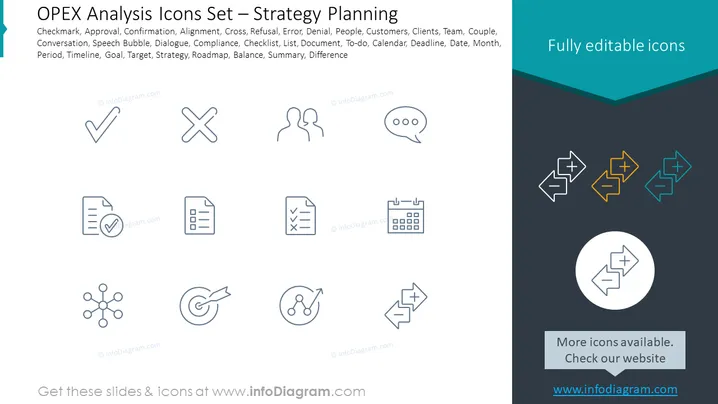
The PowerPoint slide titled "OPEX Analysis Icons Set – Strategy Planning" presents a collection of icons that are useful for operational excellence (OPEX) analysis and strategic planning. The text mentions icons for Checkmark, Approval, Confirmation, Alignment, Cross, Refusal, Error, Denial, People, Customers, Clients, Team, Couple, Conversation, Speech Bubble, Dialogue, Compliance, Checklist, List, Document, To-do, Calendar, Deadline, Date, Month, Period, Timeline, Goal, Target, Strategy, Roadmap, Balance, Summary, Difference, each representing different aspects of business planning and execution: a checkmark for approval, a cross for refusal or error, conversational bubbles for communication and dialogue, documents and lists for organizational tasks, and calendar for scheduling, with the goal of streamlining these processes.
Graphical Look
-
The slide has a simple, modern design with a two-tone background; the top half is white, and the bottom half is a dark gray with a teal banner.
-
There are two sets of icons, one in the white space and one overlaid on the teal banner.
-
Icons are line drawings with a clean, minimalist style and are uniformly styled to give a cohesive look.
-
The top set of icons includes a checkmark, cross, figures representing people in conversation, a speech bubble, a document with a checkmark, and a clean list document icon.
-
The bottom set displays a network node configuration, a target with an arrow, a looping arrow indicating a cycle or process, and geometric shapes with plus and minus symbols.
-
Each icon is placed inside its own space, evenly distributed, respecting a grid layout for visual balance.
-
A circular icon in the bottom right highlights the primary shapes found in the other icons and is encased within a contrasting circle.
-
The text "Fully editable icons" is placed in a contrasting teal banner on the right ### Use Cases
-
This slide can be used in business meetings to discuss various elements of operational planning and to highlight specific tools or processes being implemented.
-
It is ideal for illustrating different stages or components within a project management presentation, where each icon can represent a specific action or concept.
-
The slide can also be leveraged in training materials for personnel to familiarize them with standard operating procedures and the symbols that represent them.
-
Additionally, it can serve as a visual aid during strategic workshops, encouraging participants to think about the different facets of business operations they need to consider.